Billing / Settings (Summary)
Modified on: Mon, 17 Mar, 2025 at 2:01 PM
Description
Section where most of the invoicing is configured.
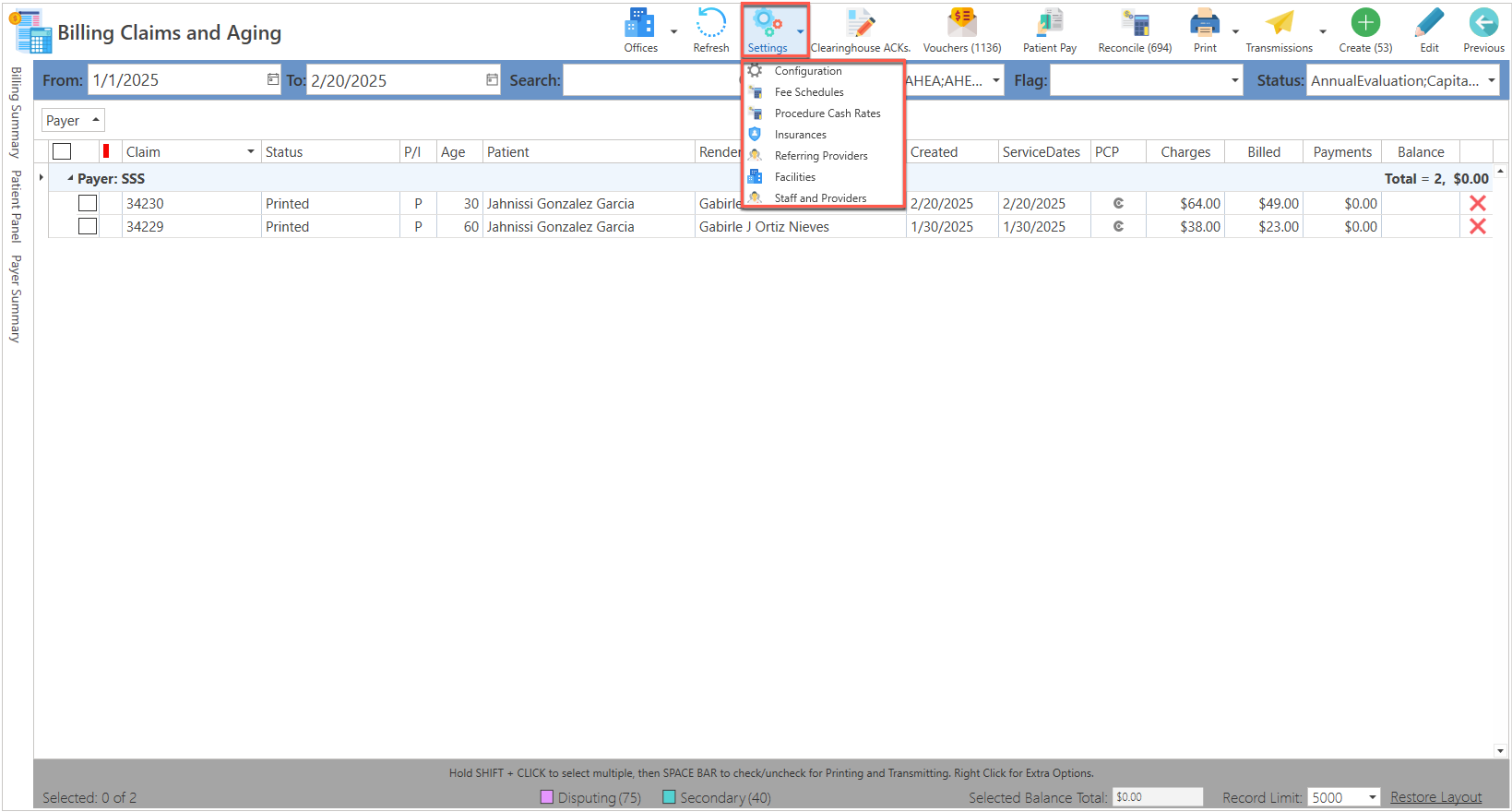
Access
Through the Main Menu
- On the main secreen, press the Billimh button.
- Press the Settongs button, located at the top of the screen.
- From the main menu screen, click on the QuikLinks text located at the top of the screen ans select the Billing option.
- Press the Settings button, located at the top of the screen.
Through Patients
- On the Patients Details screen, press the Billing button located at the top of the screen and select the Go To Billing option.
- Press the Settings button, located at the top of the screen.
Through Appointments
- On the Appointments screen, press the Billing button located at the top of the screen and select the Go To Billing option.
- Press the Settings button, located at the top of the screen.
Sections
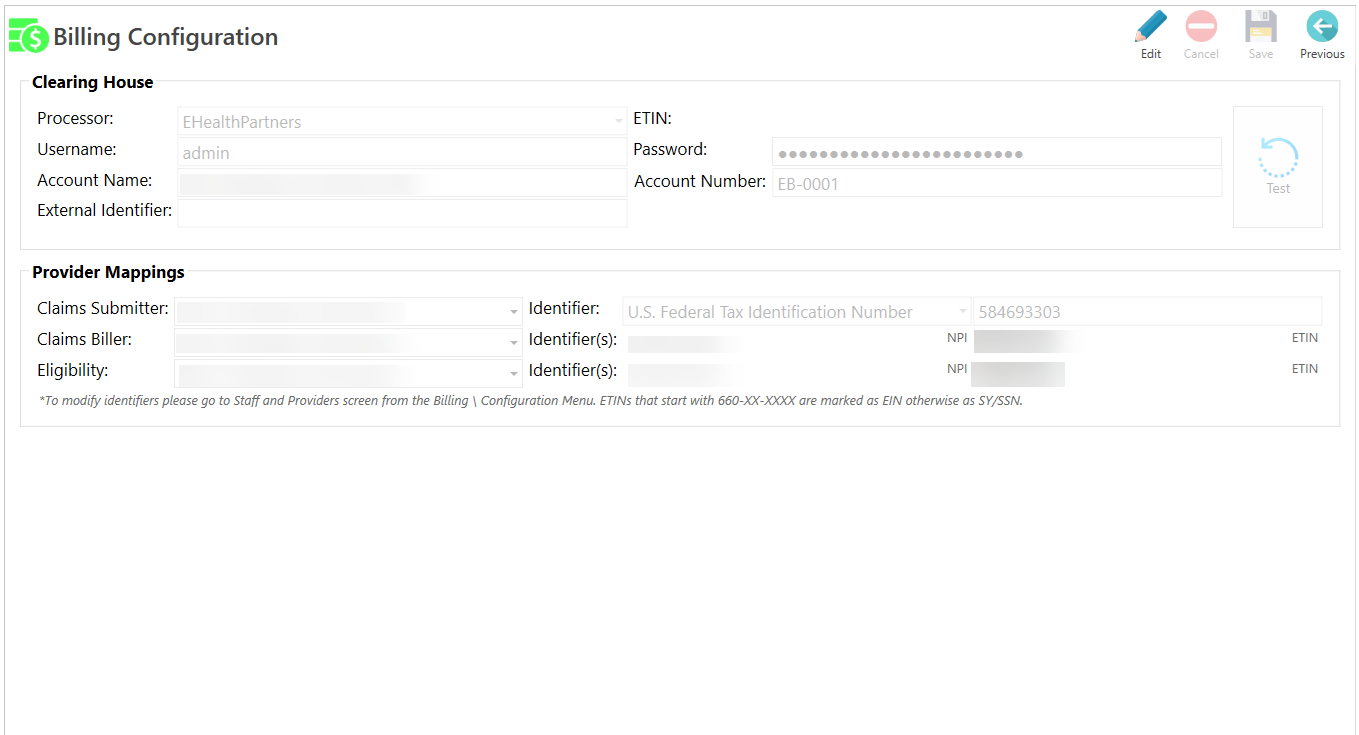
- Configuration: Allows you to configure the credentials of the supplier and the company you will use for sending invoices from the office or center and verification of eligibility.
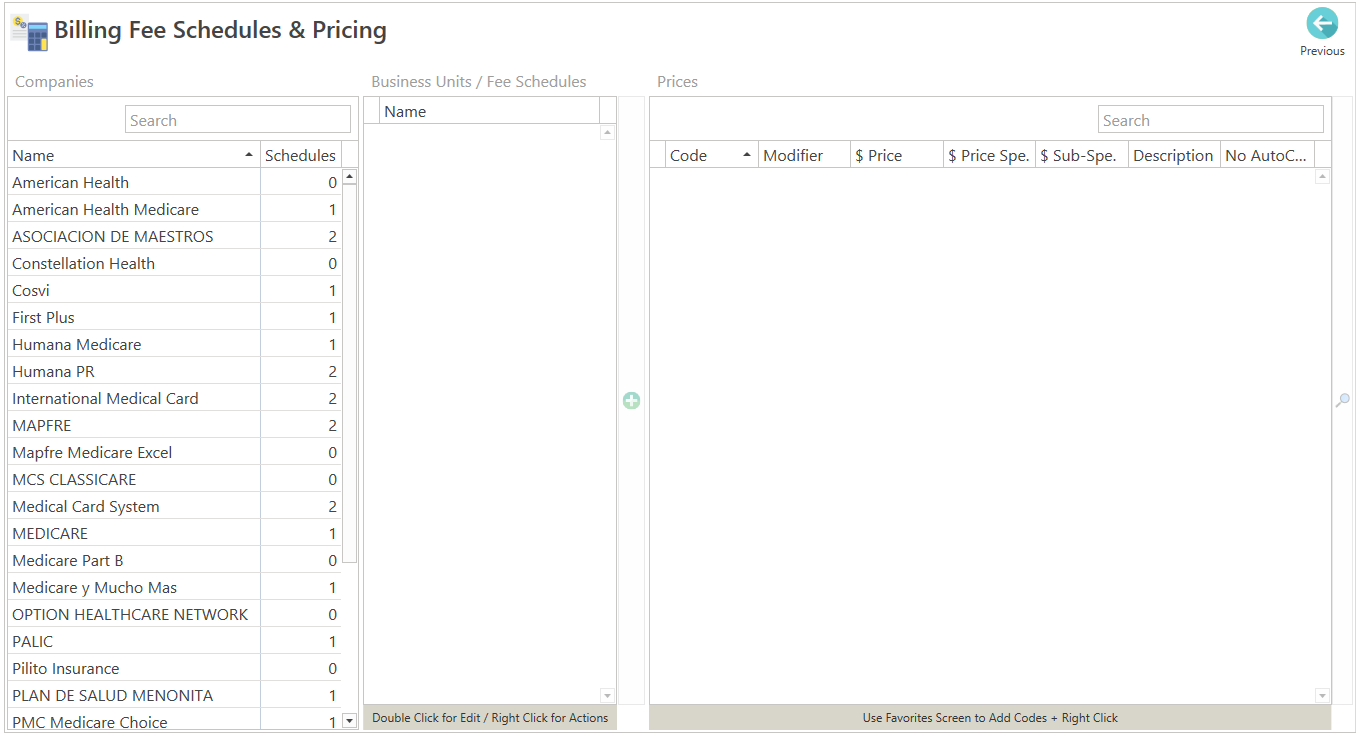
- Fee Schedules: Allows you to configure the rates to be used by insurance companies and medical plans.
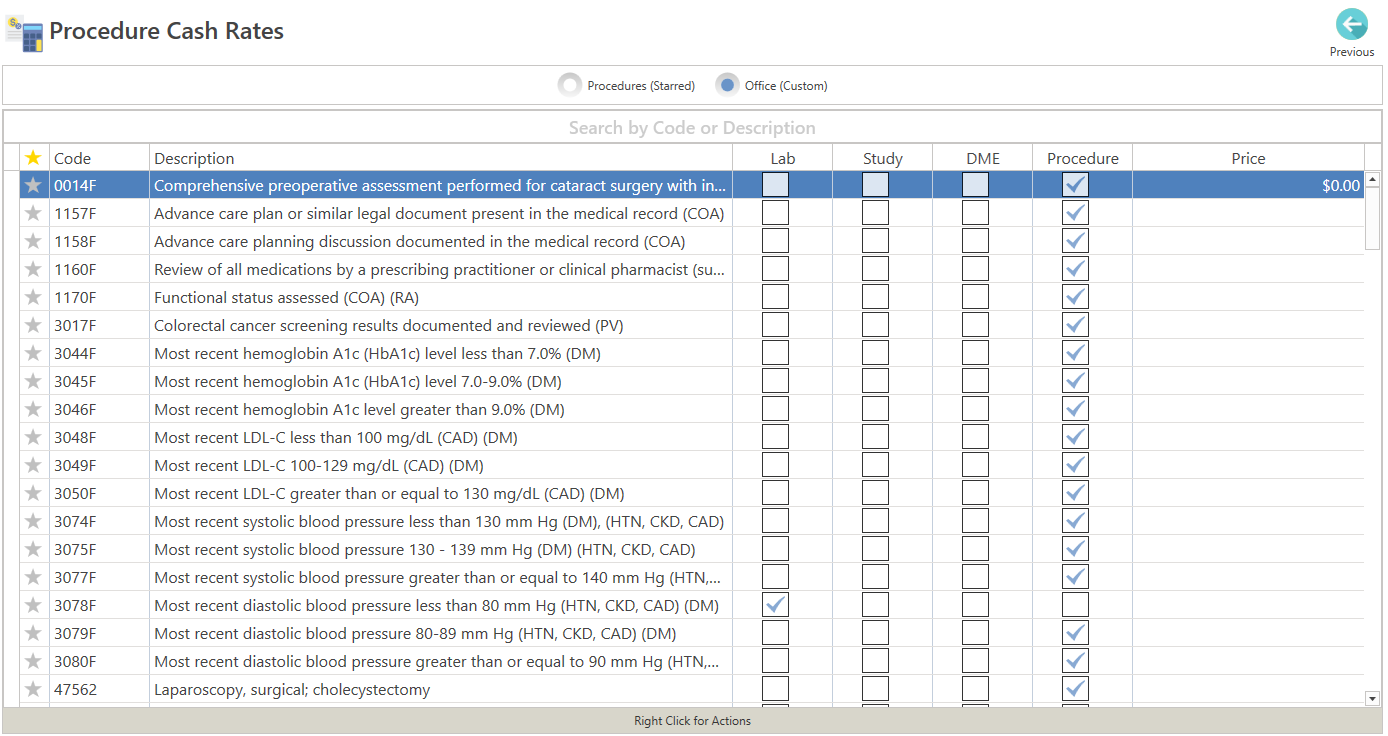
- Procedures Cash Rates: Allows to classify the procedures and configuration of office or plant rates.
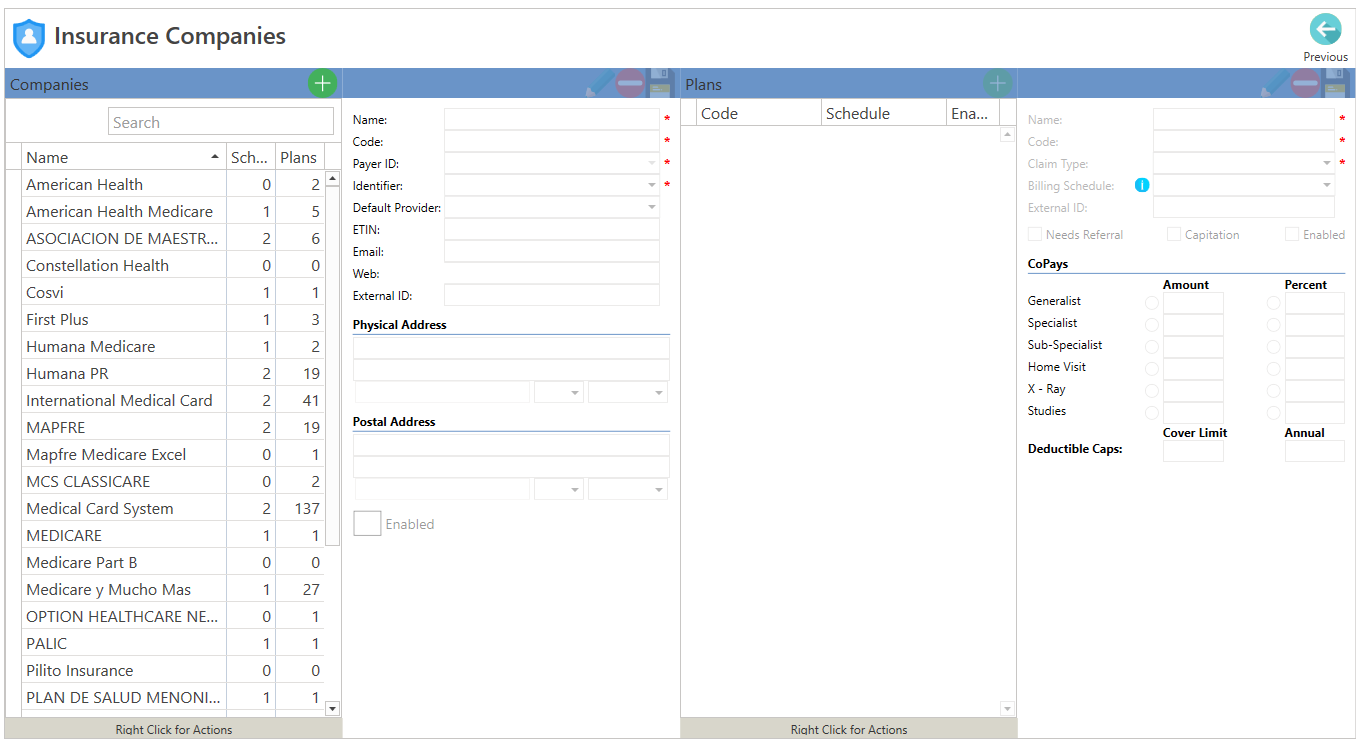
- Insurances: Allows you to configure and edit the insurers and their coverages.
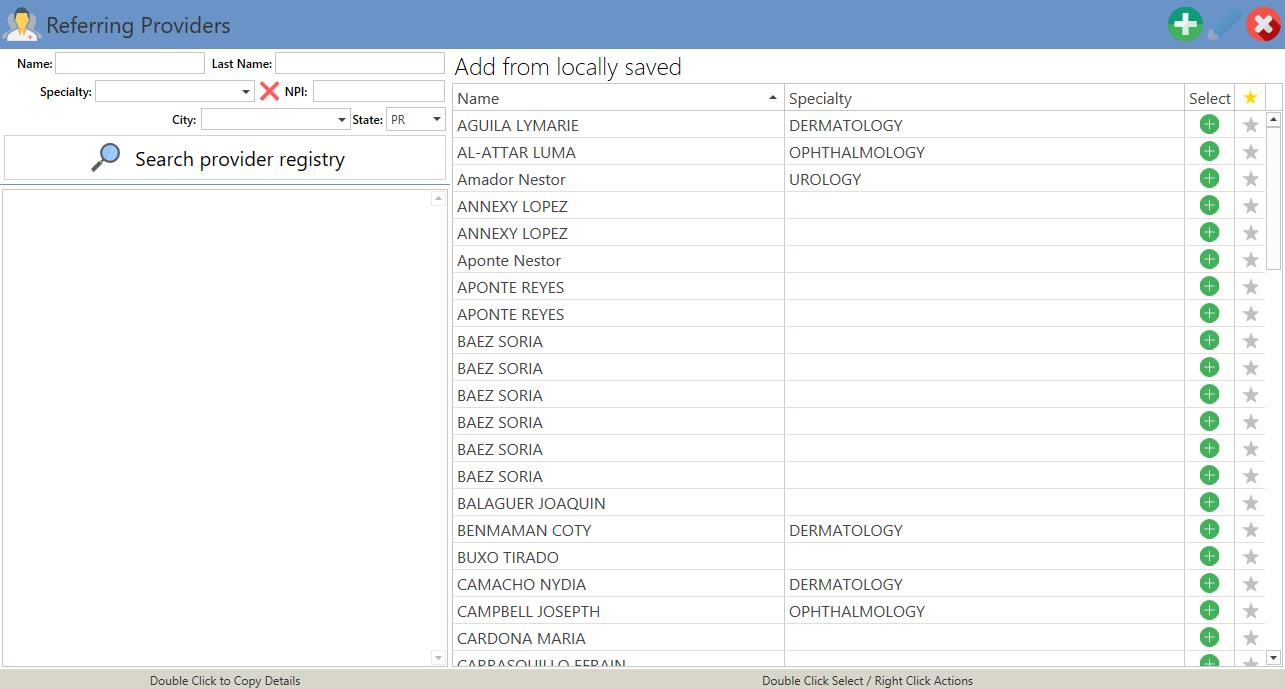
- Referring Providers: Allows you to configure the registration of providers, which are referred from the office to another provider or office or center.
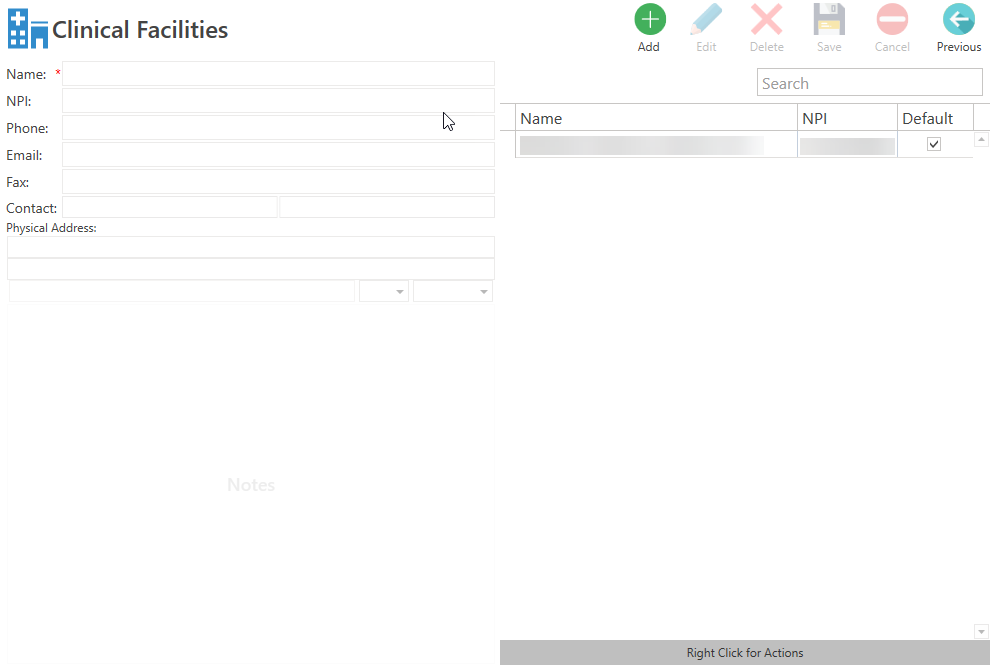
- Facilities: Allows the configuration of the facilities. In most cases, they are where the provider evaluates patients.
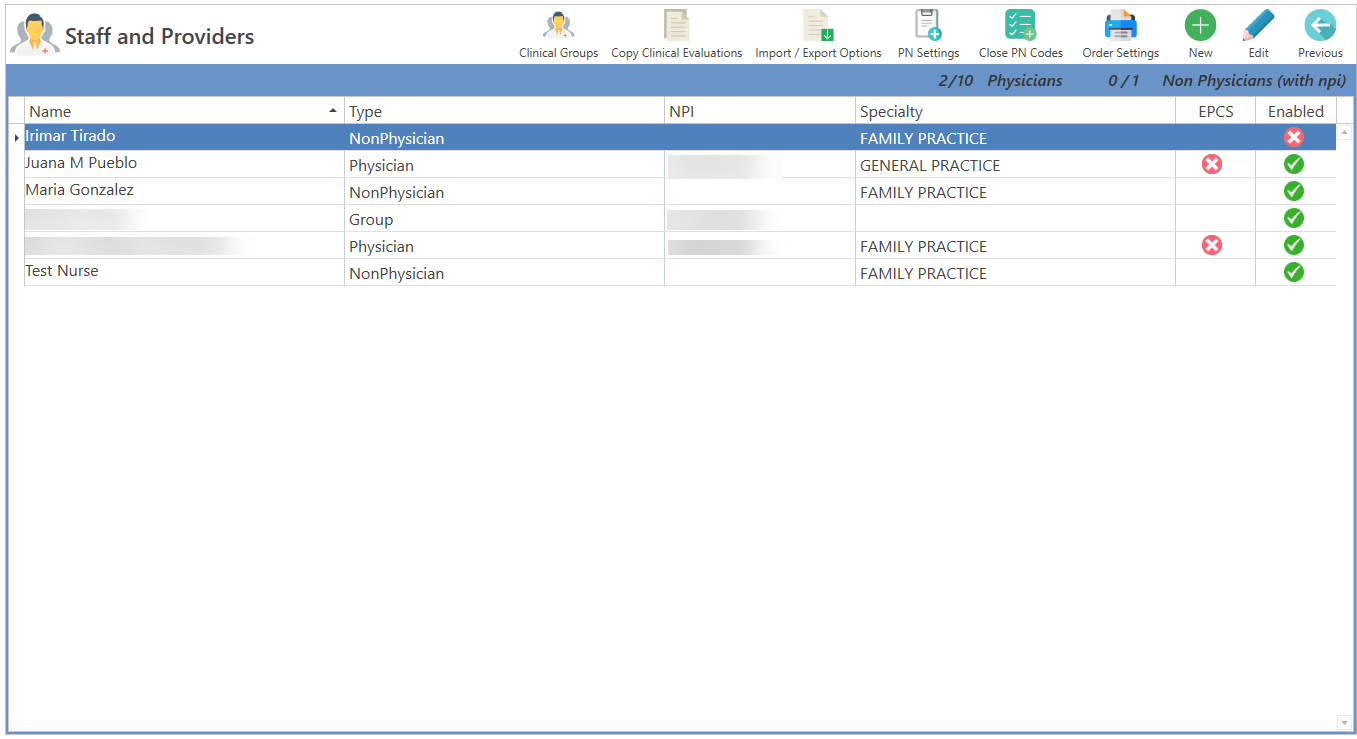
- Staff and Providers: Allows you to configure, provider information, nurses or groups in the office or center.
Did you find it helpful? Yes No
Can you please tell us how we can improve this article?