Appointments / Create vs Patients Details
Modified on: Thu, 13 Mar, 2025 at 12:51 PM
Appointment / Create Record
Description
Create a new patient record.
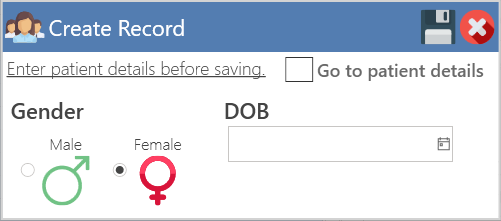
Access
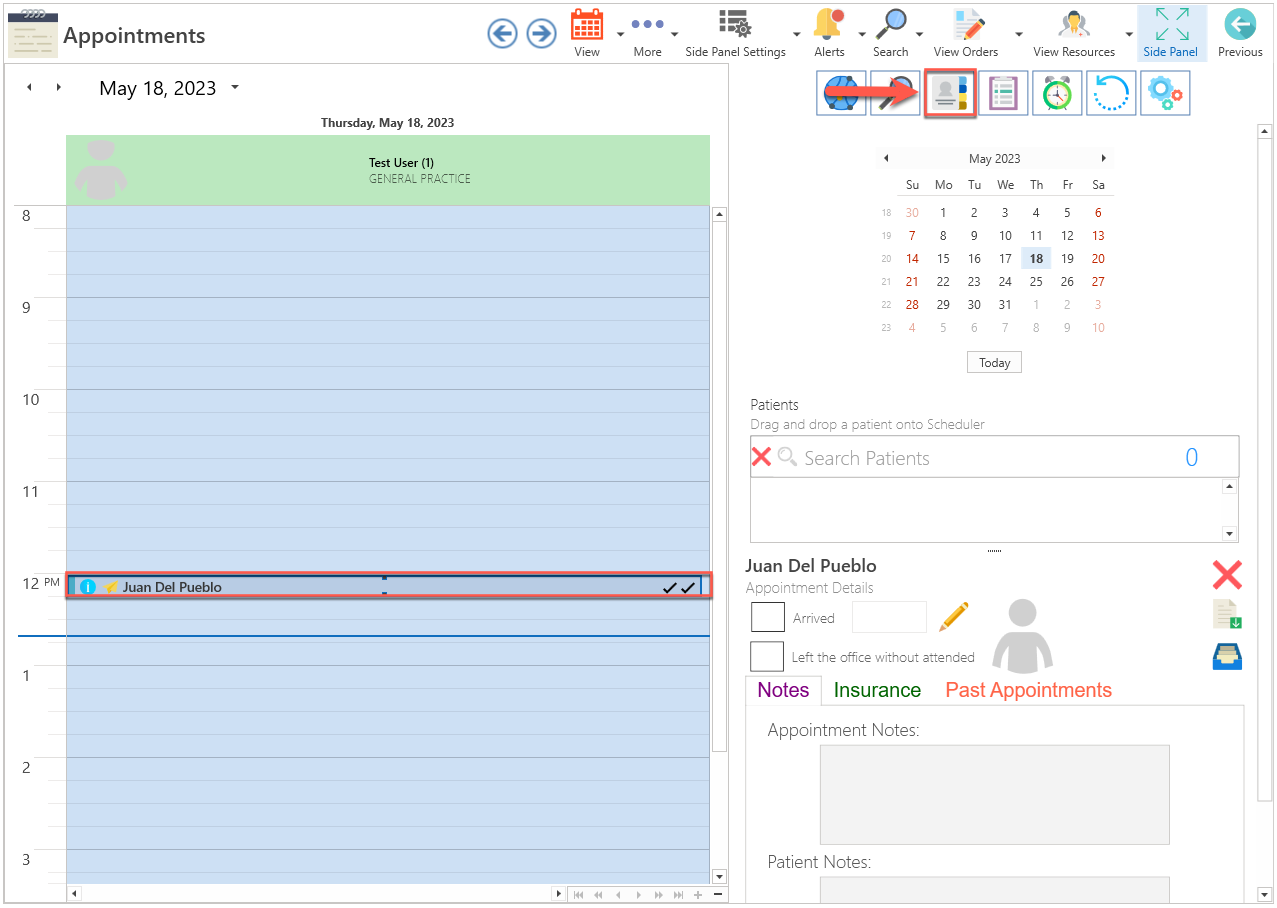
If an appointment is made for an unregistered patient, select the appointment and click on the Patient Details button, which is located on the right side of the screen, within the Side Panel if it is visible.
Recommended Article:
Appointment / Patient Details
Access
- To select an appointment, click on it. If it's for a registered patient, press the Patient Details button found on the right side of the screen within the Side Panel, if it is visible.
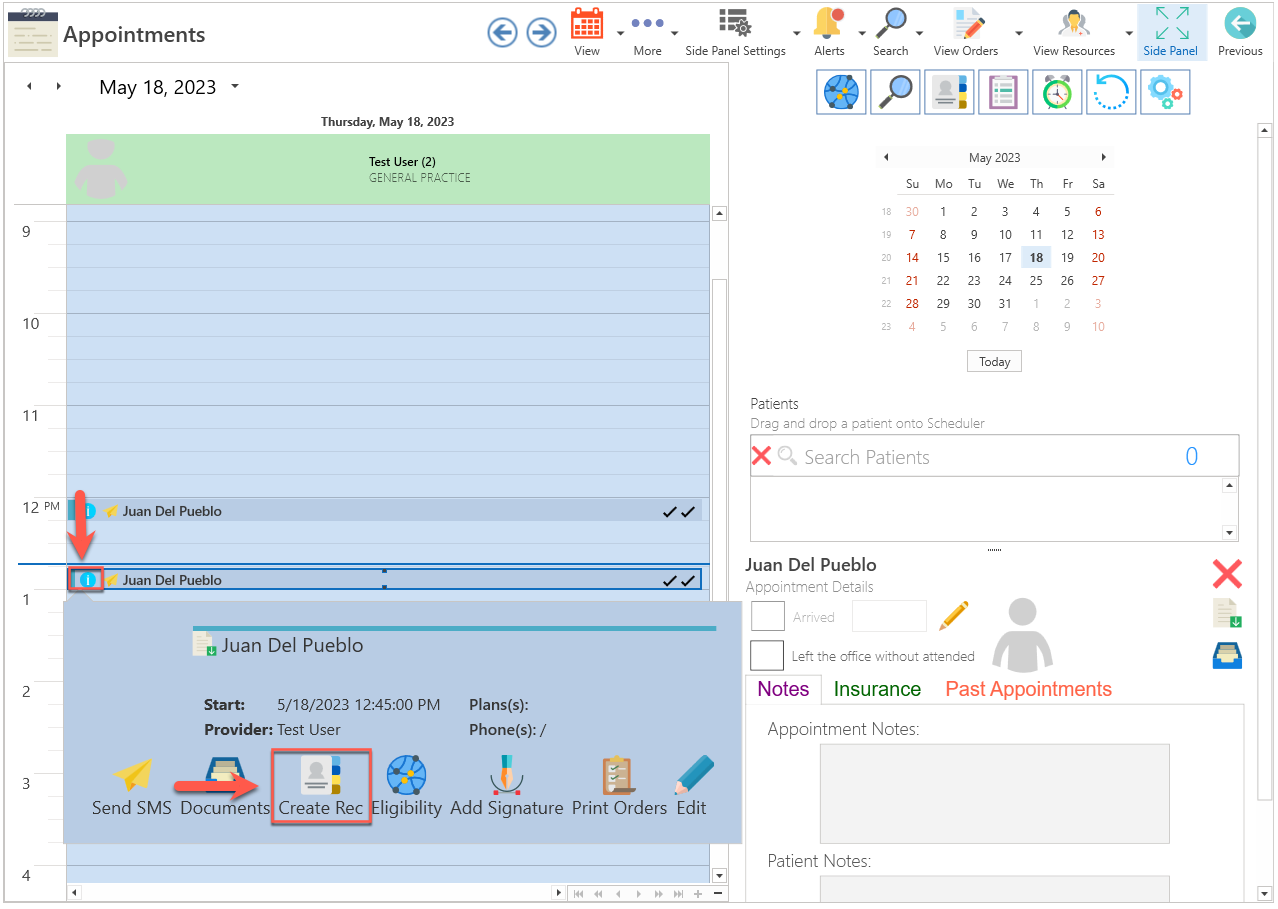
- Click on the information icon, situated next to the selected patient's name, and choose the Pt Details option.
Recommended Article:
Did you find it helpful? Yes No
Can you please tell us how we can improve this article?