Appointments / Internal Referrals
Modified on: Thu, 13 Mar, 2025 at 11:11 AM
Description
Screen showing the list of patients who have pending appointments with internal providers, an office, or facility by sending a referral.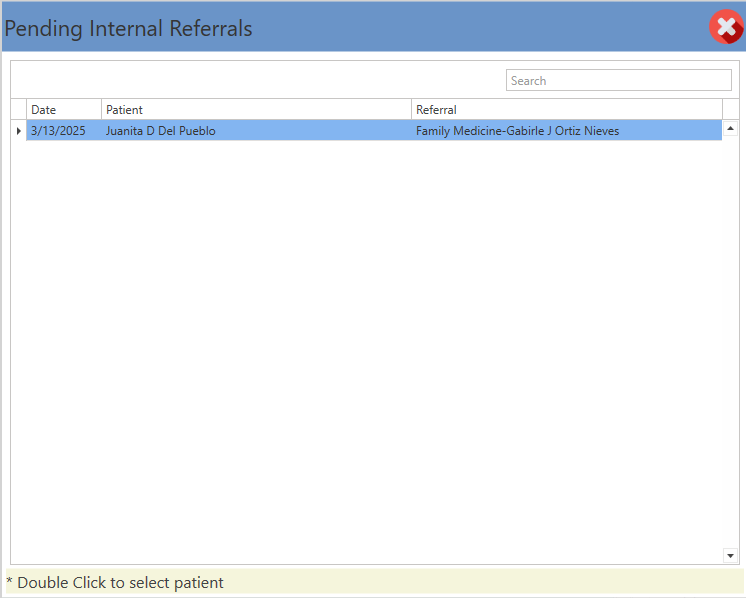
Access
Through Main Menu
- In the main menu, press the Appointments button.
- Then press the More button located at the top of the screen and select the option Internal Referrals.
Through Quicklinks
- In the main menu, select QuickLinks text, located at the top of the screen.
- Select the Appointments option.
- Then press the More button located at the top of the screen and select the option Internal Referrals.
Through Patients
- On the Patient Details screen, press the Appointments button located at the top of the screen.
- Then, press the More button located at the top of the screen and select the option Internal Referrals.
Recommended Article:
Did you find it helpful? Yes No
Can you please tell us how we can improve this article?