Advanced Progress Note / Smart Box
Modified on: Thu, 13 Mar, 2025 at 4:25 PM
Description
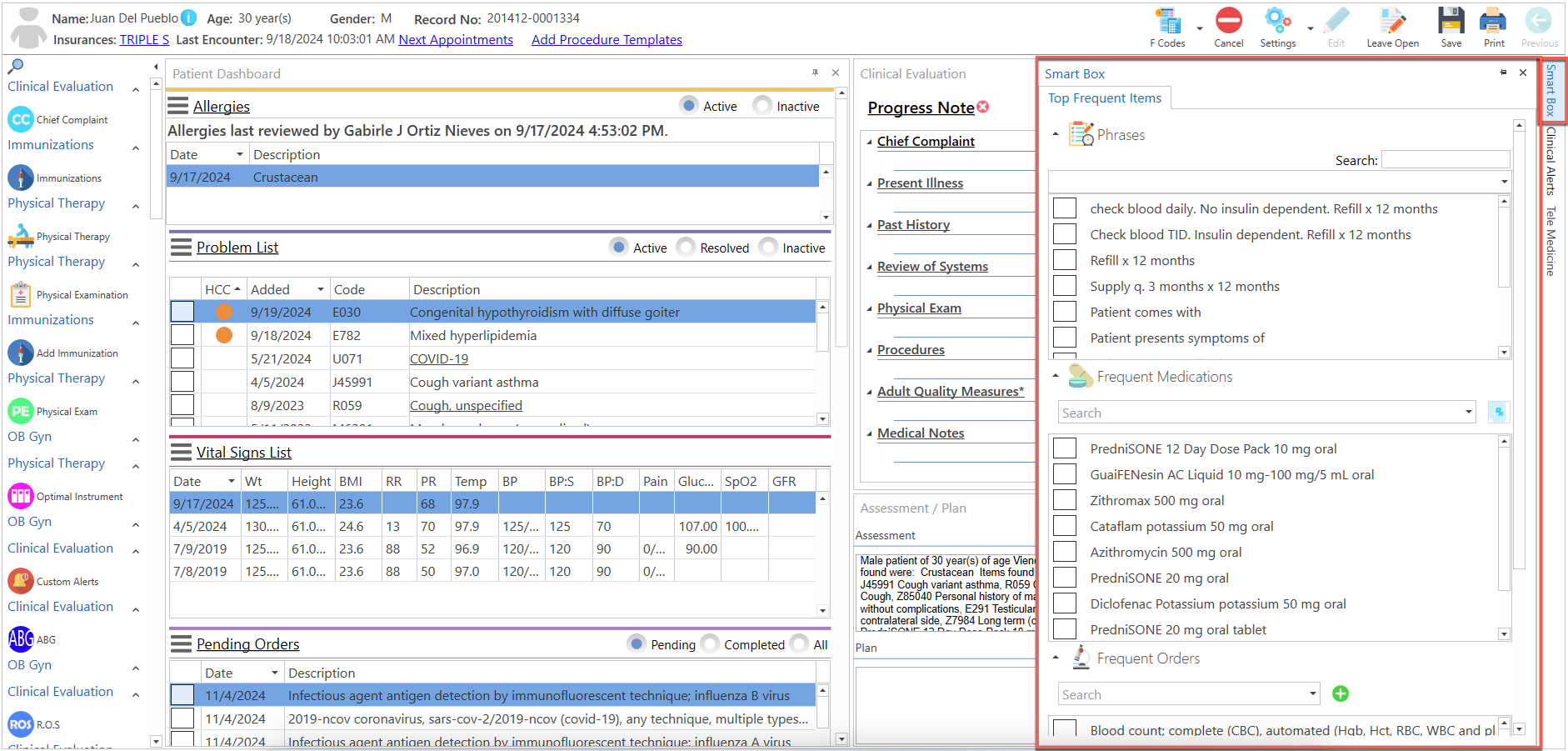
This section is designed to select quicker and more accessible methods, commonly used options, for the patient's clinical evaluation.
Access
Through Main Menu
- Click on the Clinical button in the main menu.
- Select a patient from any section of the Clinical Records screen.
- After selecting the patient, click on the Smart Box tab, which is located on the right side of the screen.
Sections
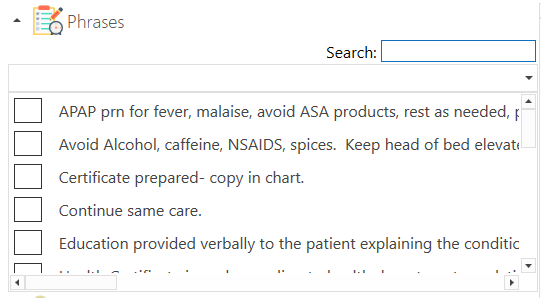
Phrases: This section presents commonly used phrases for clinical evaluations.
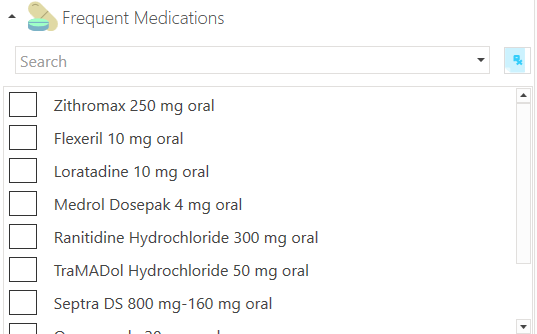
- Frequent Medications: The section lists commonly used medications for clinical evaluations.
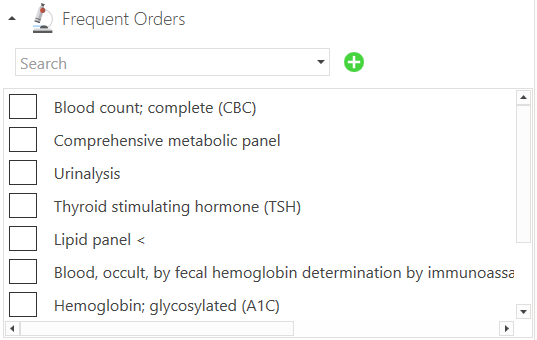
- Frequent Orders: The section lists frequently placed orders.
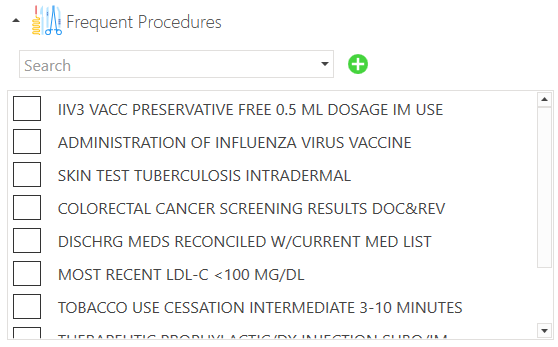
- Frequent Procedures: The section lists frequently performed procedures.
Recommended Article:
Did you find it helpful? Yes No
Can you please tell us how we can improve this article?