Workflow / Discharged Patients
Modified on: Tue, 21 Jan, 2025 at 1:58 PM
Description
Screen where all the patients that were attended and dispatched from the Workflow Items section are displayed.

Access
Through Modern Main Menu
- In the main menu, click on the Workflow button.
- Click on the Workflow Items tab and then click on the Discharged Patients button, located at the top of the screen.
Through Classic Main Menu
- In the main menu, click on the Workflow button, located at the top right of the screen.
- Click on the Workflow Items tab and then click on the Discharged Patients button, located at the top of the screen.
Through Appointments
- Go to the Appointments screen.
- Press the More button located at the top of the screen and select the Workflow option.
- Click on the Workflow Items tab and then click on the Discharged Patients button located at the top of the screen.
Sections
Button
- Cancel: Closes screen.
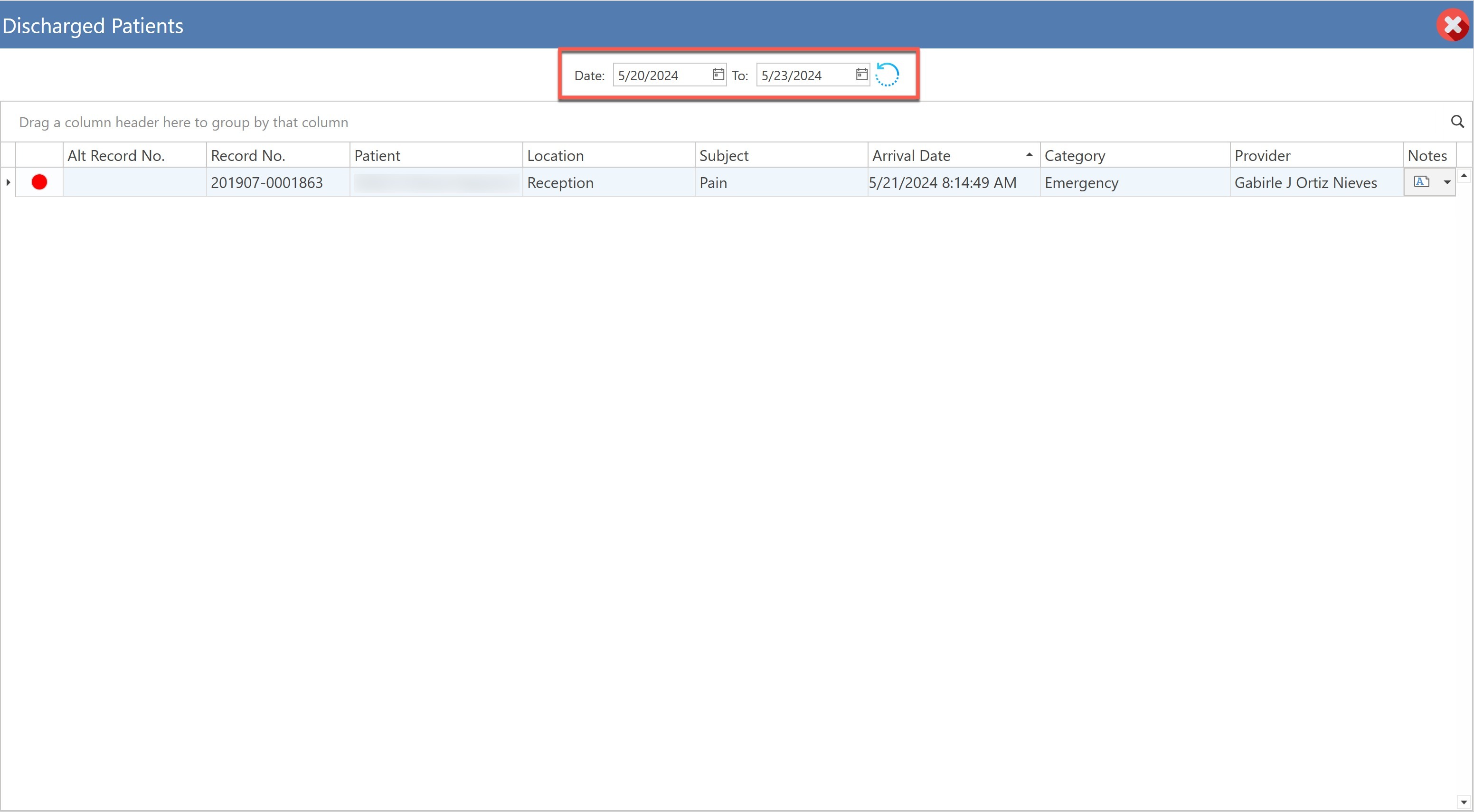
- Filtros Date: (Fechas): Allows to filter the table by date.
- Refresh: When pressed, the list of patients that were dispatched will be displayed from the Workflow Items screen, according to the selected dates.
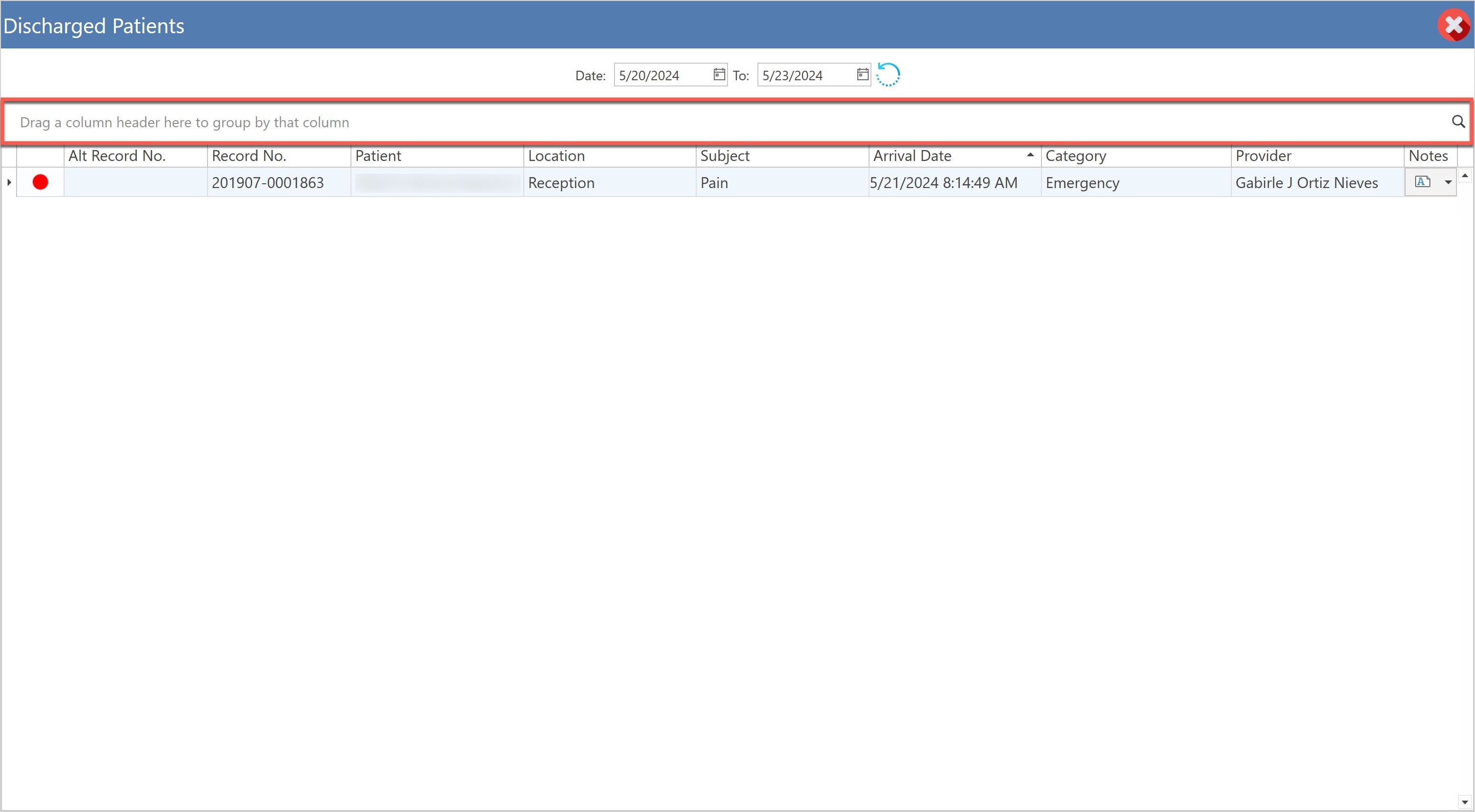
- Drag a column header to group by that column: Allows dragging a column header, according to the user's preference.
- Tabla: Displays the list of patients, who were seen and discharged from the center or office.
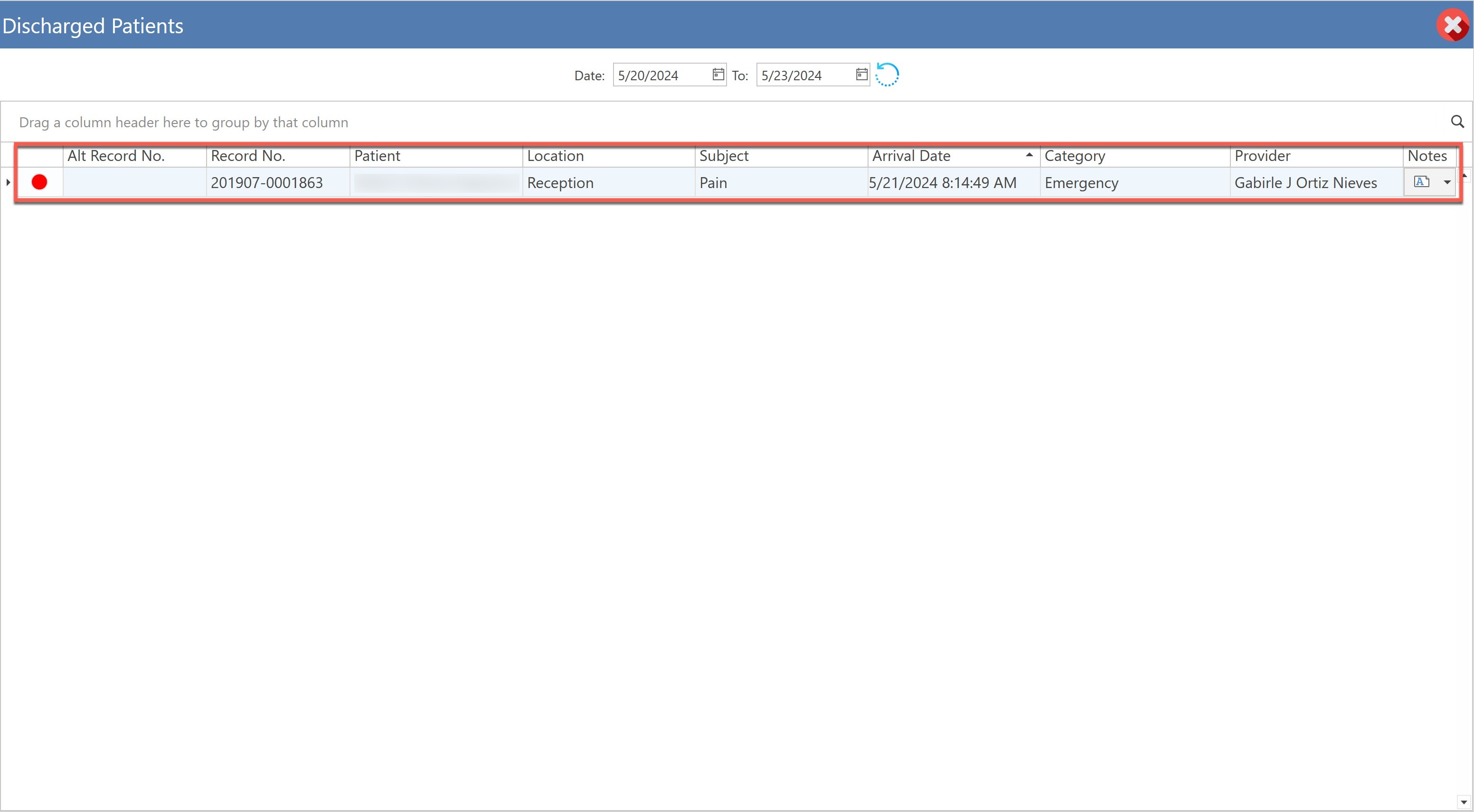
- Label: The category color is displayed, as configured in: Settings / Clinical / Clinical Tasks Templates / Task Categories.
- Record No.: Displays the patient's record number.
- Patient: Display the patient's name.
- Location: Displays the room in which the patient was at the time of being seen and discharged from the office or facility.
- Subject: Display the reason for the visit.
- Arrival Date: Displays the date and time the patient arrived at the center or office.
- Category: Displays the category of the patient's visit.
- Provider: Displays the provider, who attended the patient.
- Notes: Field where the note that was written is displayed in the Workflow Items screen.
Did you find it helpful? Yes No
Can you please tell us how we can improve this article?