Workflow / Dismissals History
Modified on: Tue, 21 Jan, 2025 at 2:23 PM
Description
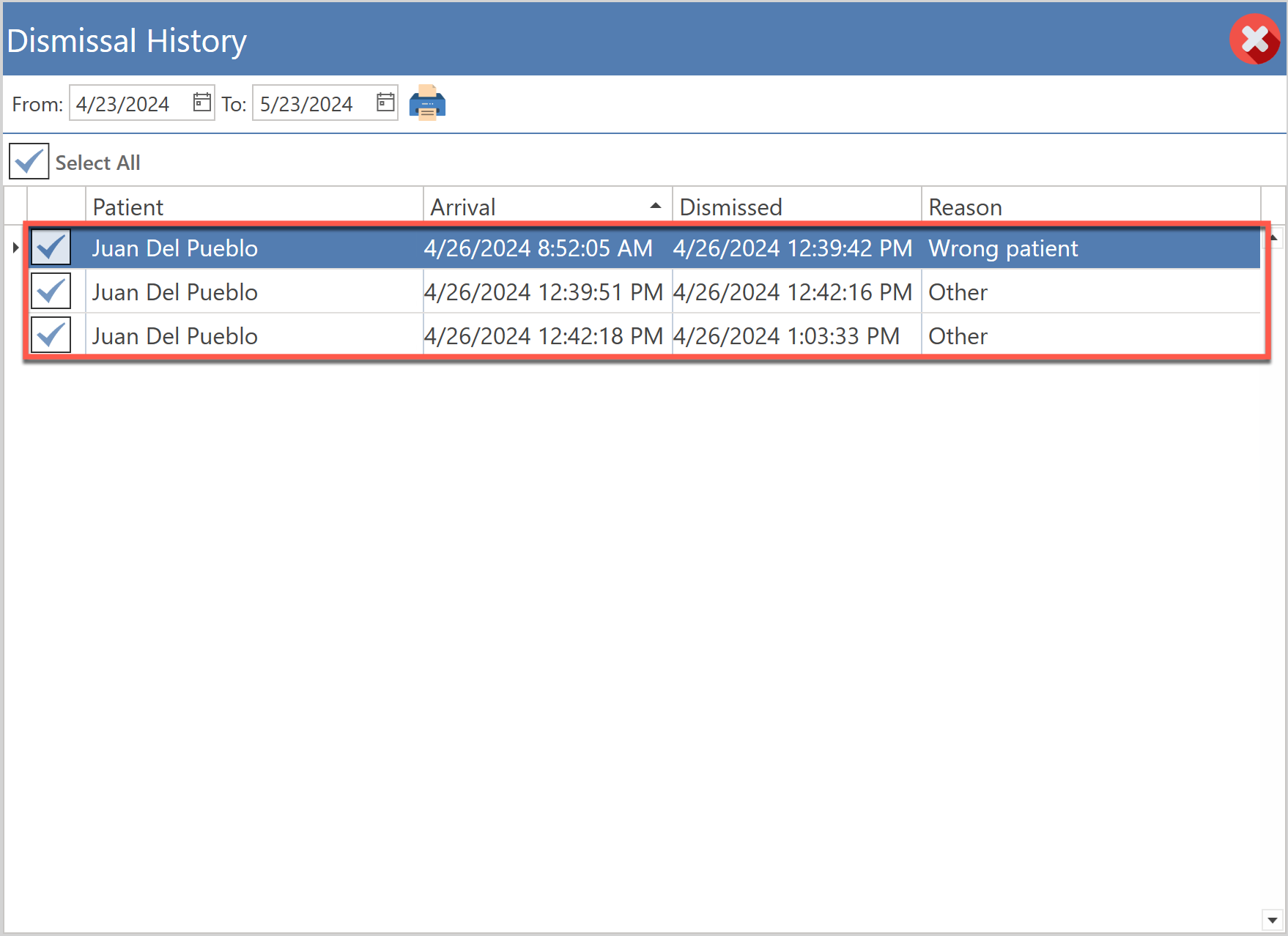
Screen containing all the patients who, for a specific reason, have left the office before being seen.
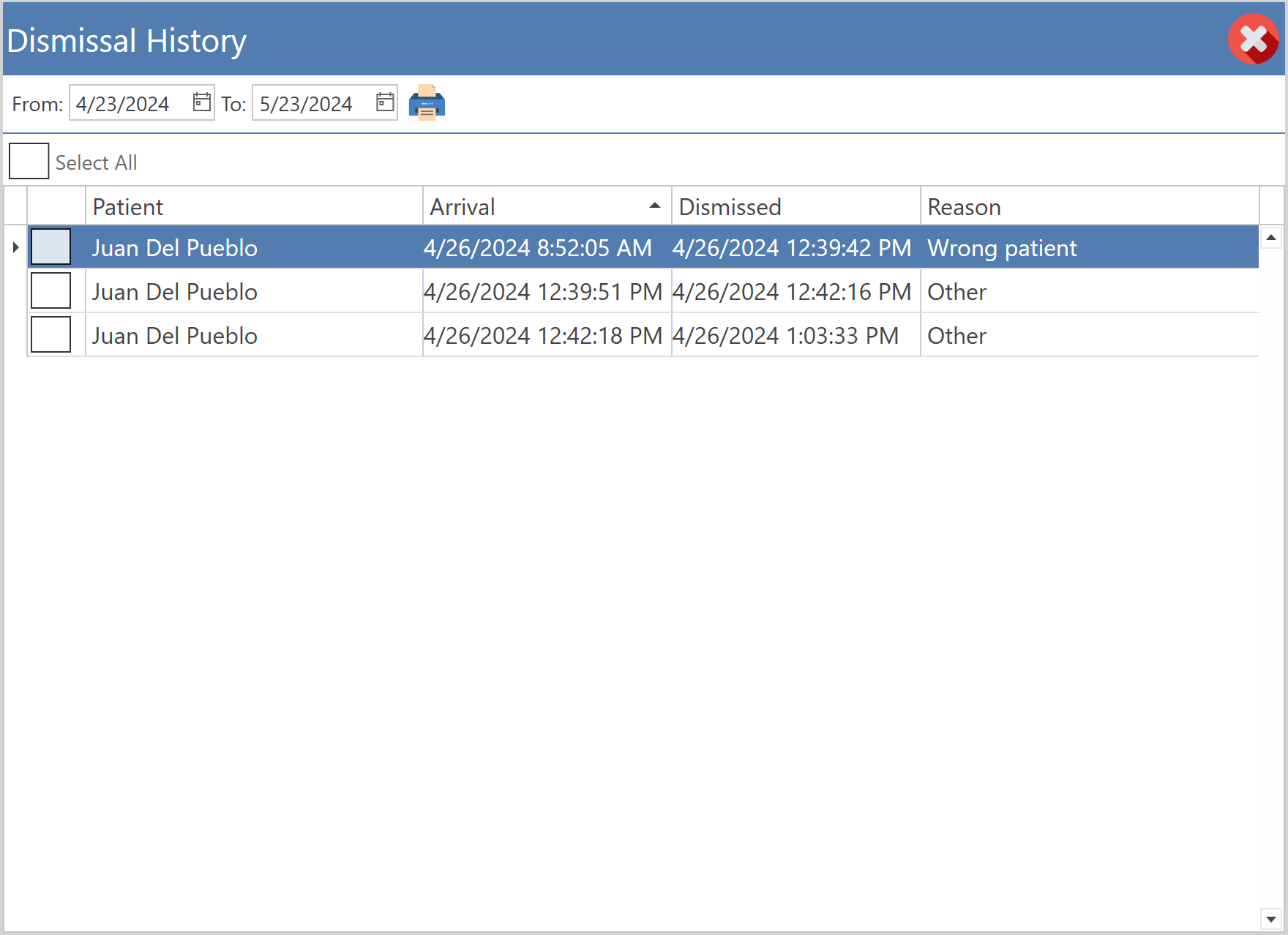
Access
Through Modern Main Menu
- In the main menu, click on the Workflow button.
- Click on the Arrivals tab and then click on the Dismissal History button, located at the top of the screen.
Through Classic Main Menu
- In the main menu, click on the Workflow button.
- Click on the Arrivals tab and then click on the Dismissal History button, located at the top of the screen.
Through Appointments
- Go to the Appointments screen.
- Press the More button located at the top of the screen and select the Workflow option.
- Click on the Arrivals tab and then click on the Dismissals History button located at the top of the screen.
Sections
- Cancel: Allows to close the screen.
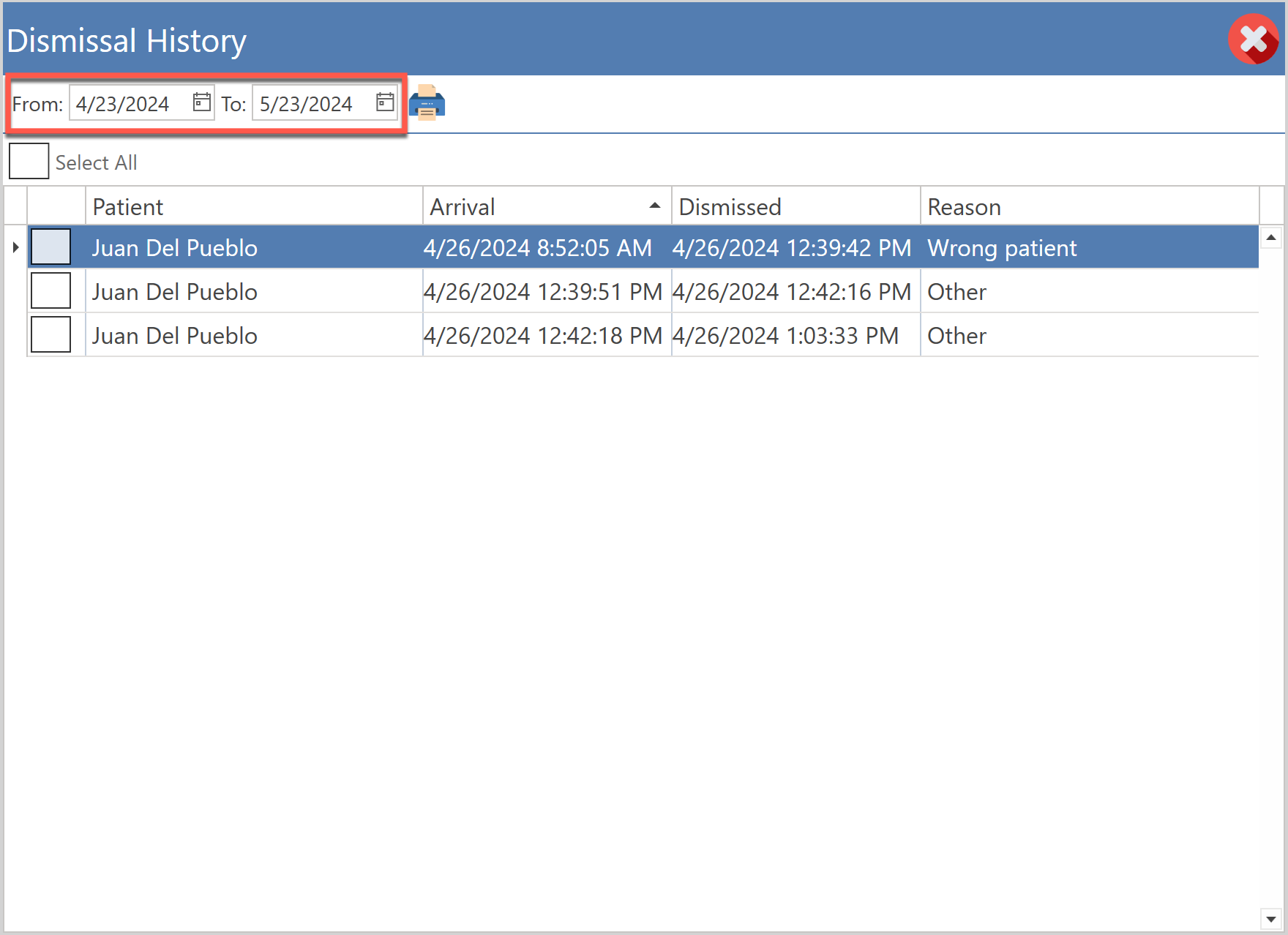
- Filtros (Fechas): Allows to filter the table by date.
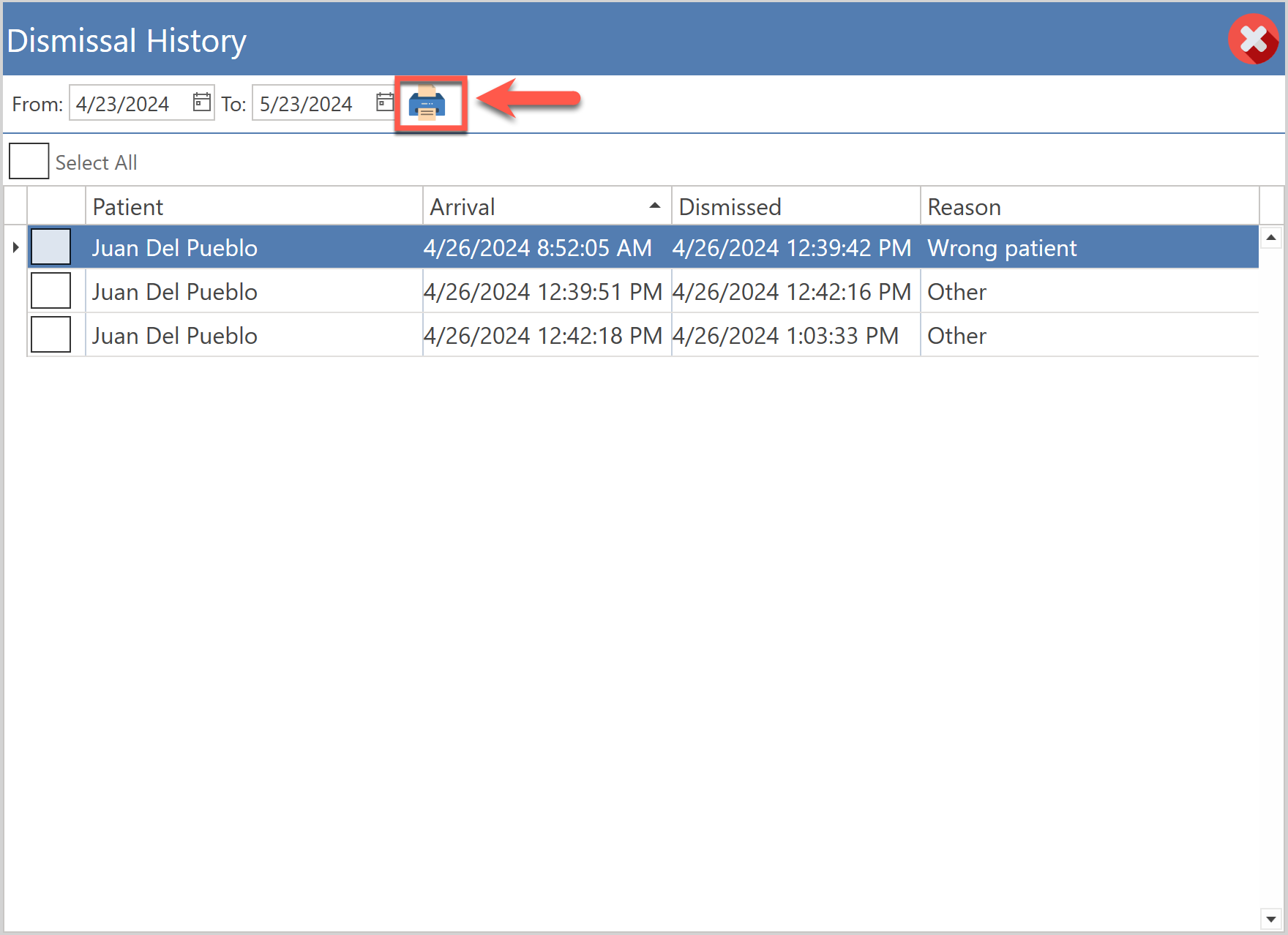
- Print: (Botón) By selecting the rows in the table and pressing the Print button, a report will be printed, listing all those patients who arrived but left before being seen.
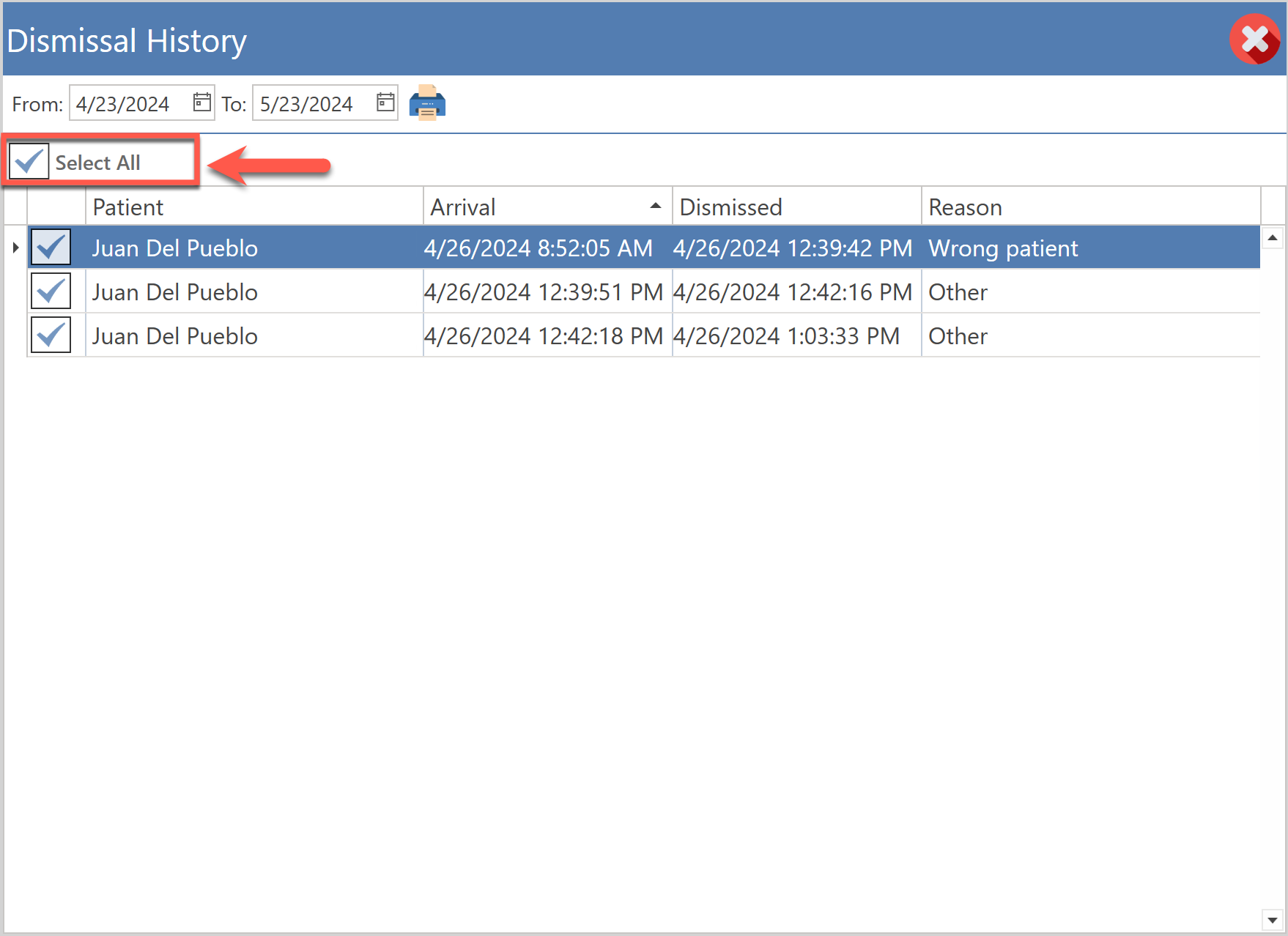
- Select All: Allows you to select all patients in the table to print the report.
- Tabla: All patients, who have left the medical office, are deployed before they are seen.
Did you find it helpful? Yes No
Can you please tell us how we can improve this article?