How to send Feedback through the Help Portal
Modified on: Mon, 17 Mar, 2025 at 4:50 PM
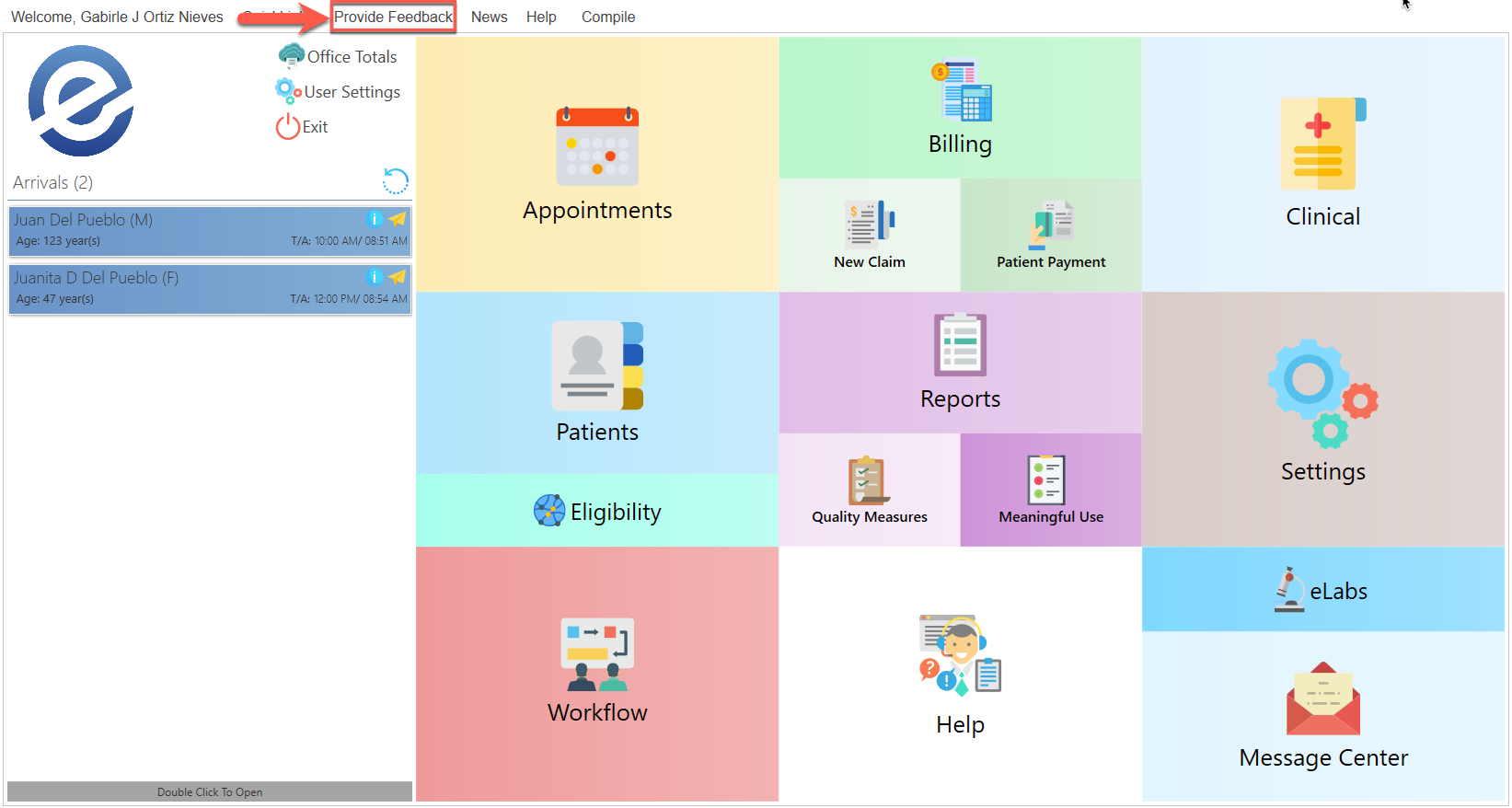
- Press the Provide Feedback button, located at the top of the main menu screen.
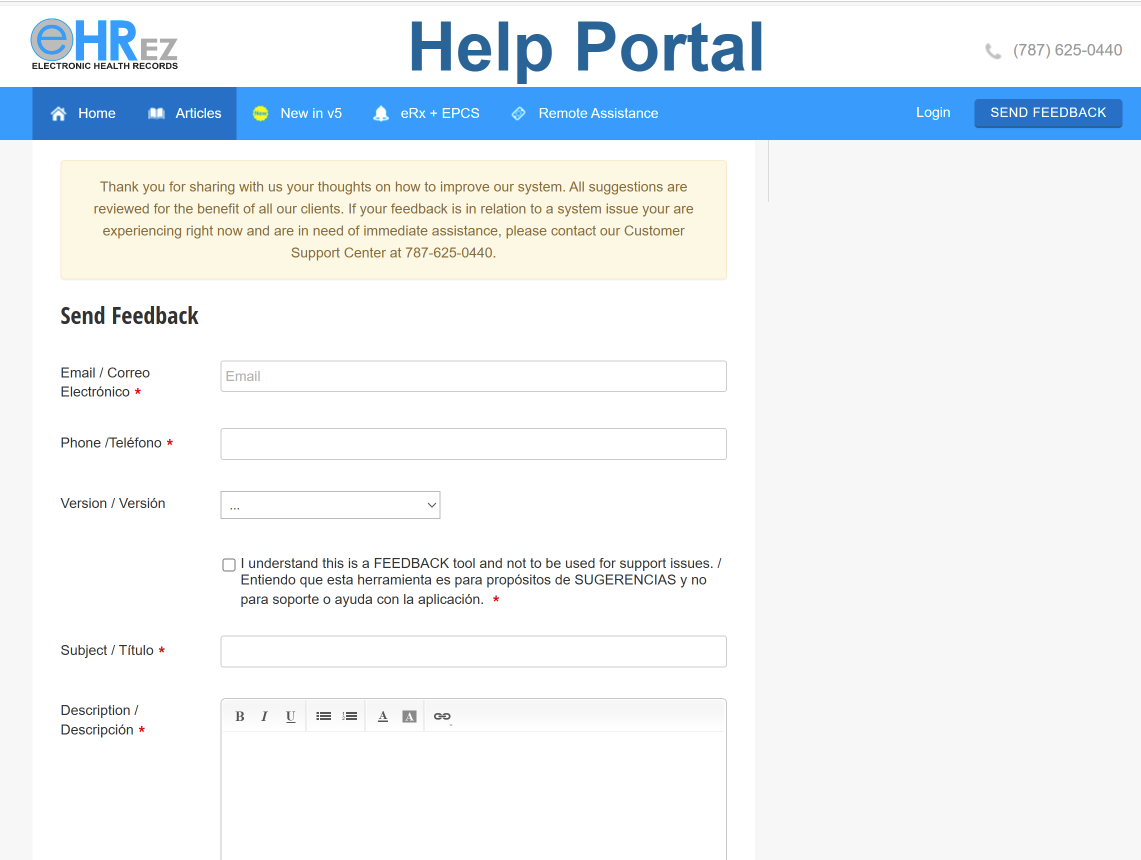
- The following screen will be displayed:
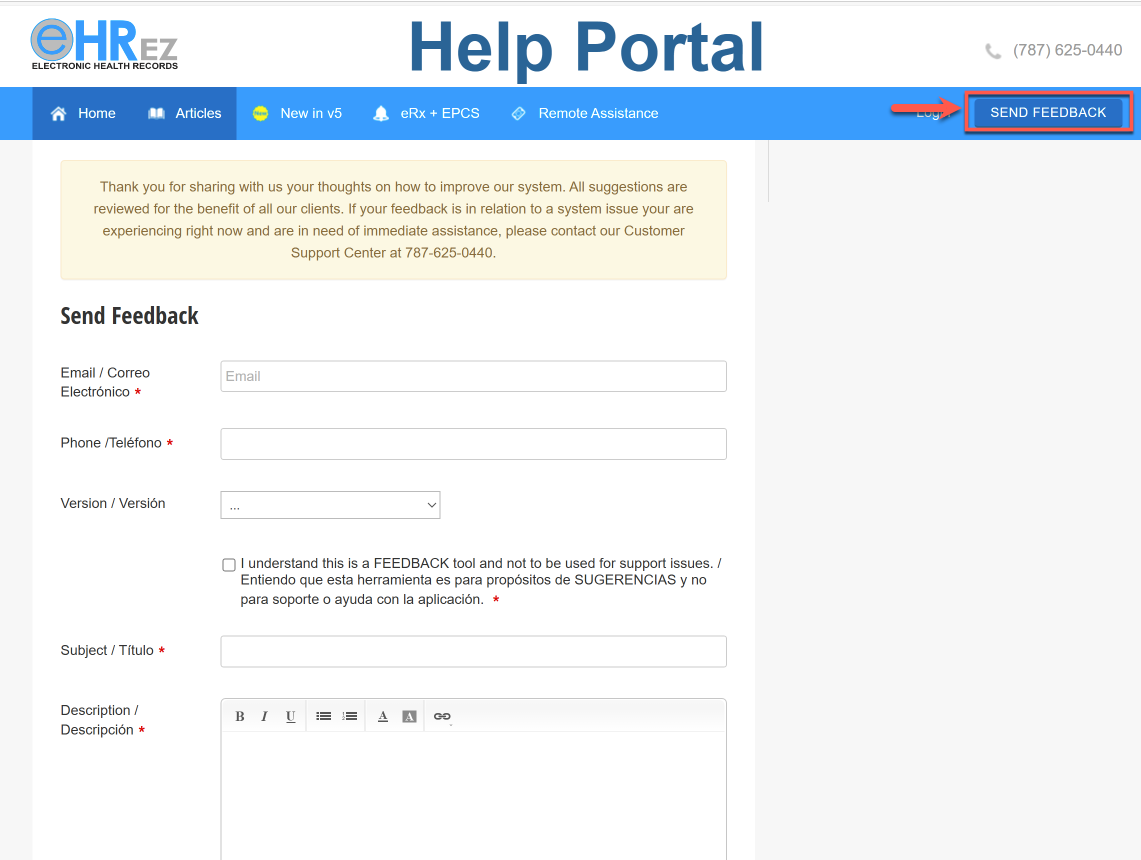
- Then press the SEND FEEDBACK button.
- The following page will be displayed:
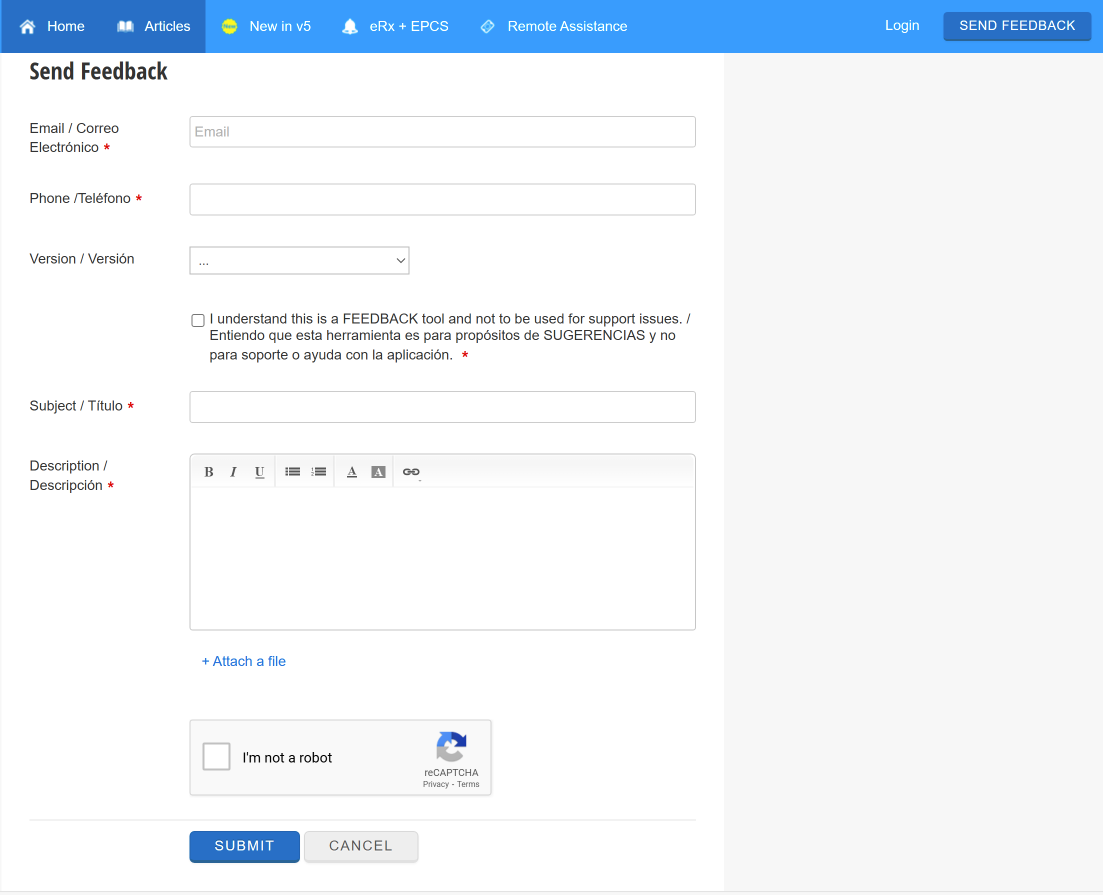
- The user must register the following fields:
- Email: enter your email address. [Required]
- Phone: Type the office phone number. [Required]
- Version: Select the version, which you have installed. This information can be obtained in the top bar of the program.
- Title: Type the title of the topic. [Required]
- Description: Type the suggestion, as detailed as possible. [Required]
Note: When the user exits this field, the search will be performed on all help center articles.
Press the Submit button.
Did you find it helpful? Yes No
Can you please tell us how we can improve this article?