How to automatically display the progress note to be printed at the time of closing an encounter?
Modified on: Thu, 21 Nov, 2024 at 11:15 AM
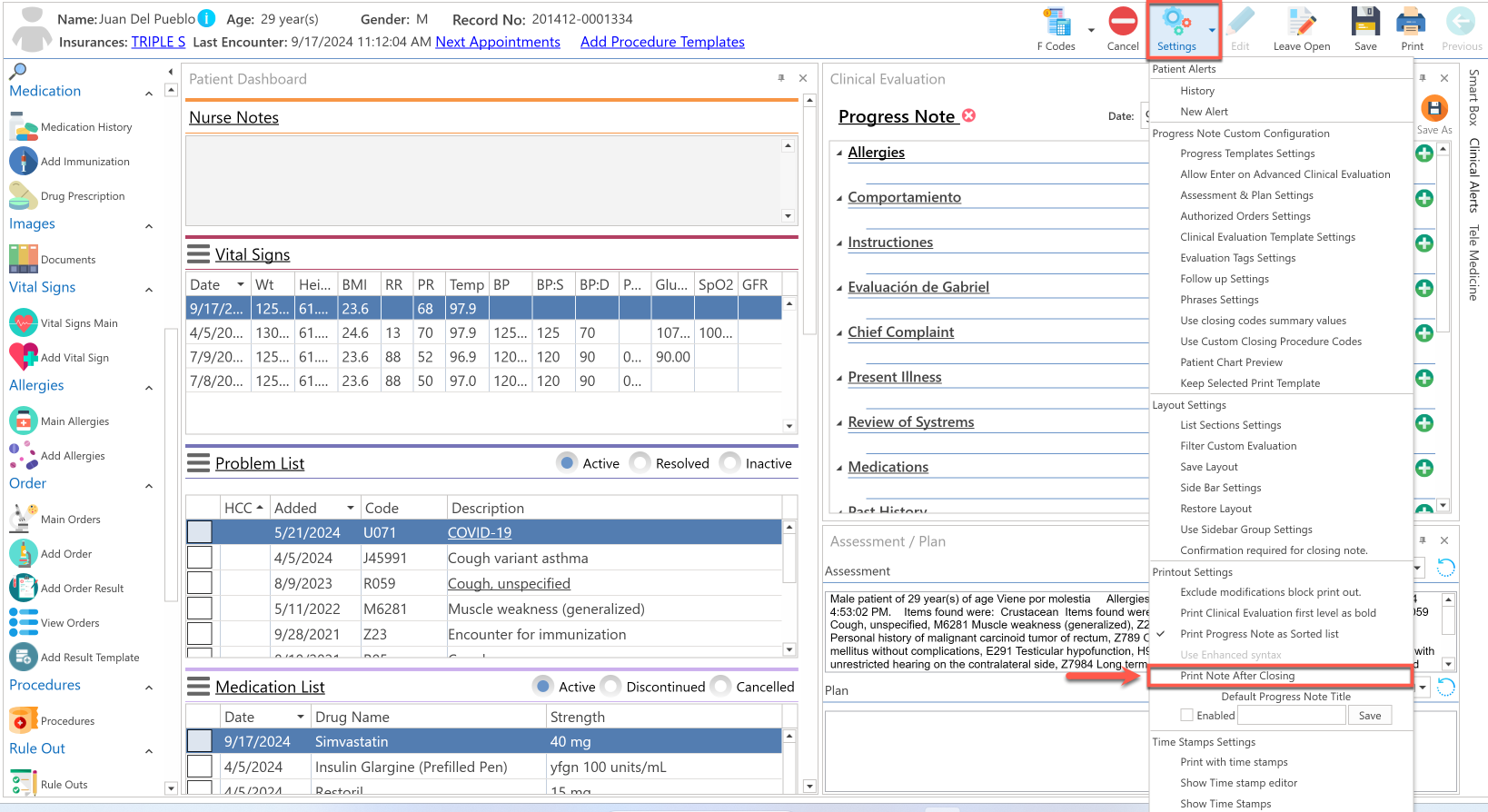
- Go to the Advanced Progress Note.
- Press the Settings button located at the top of the screen.
- Select the Print Note after Closing option.
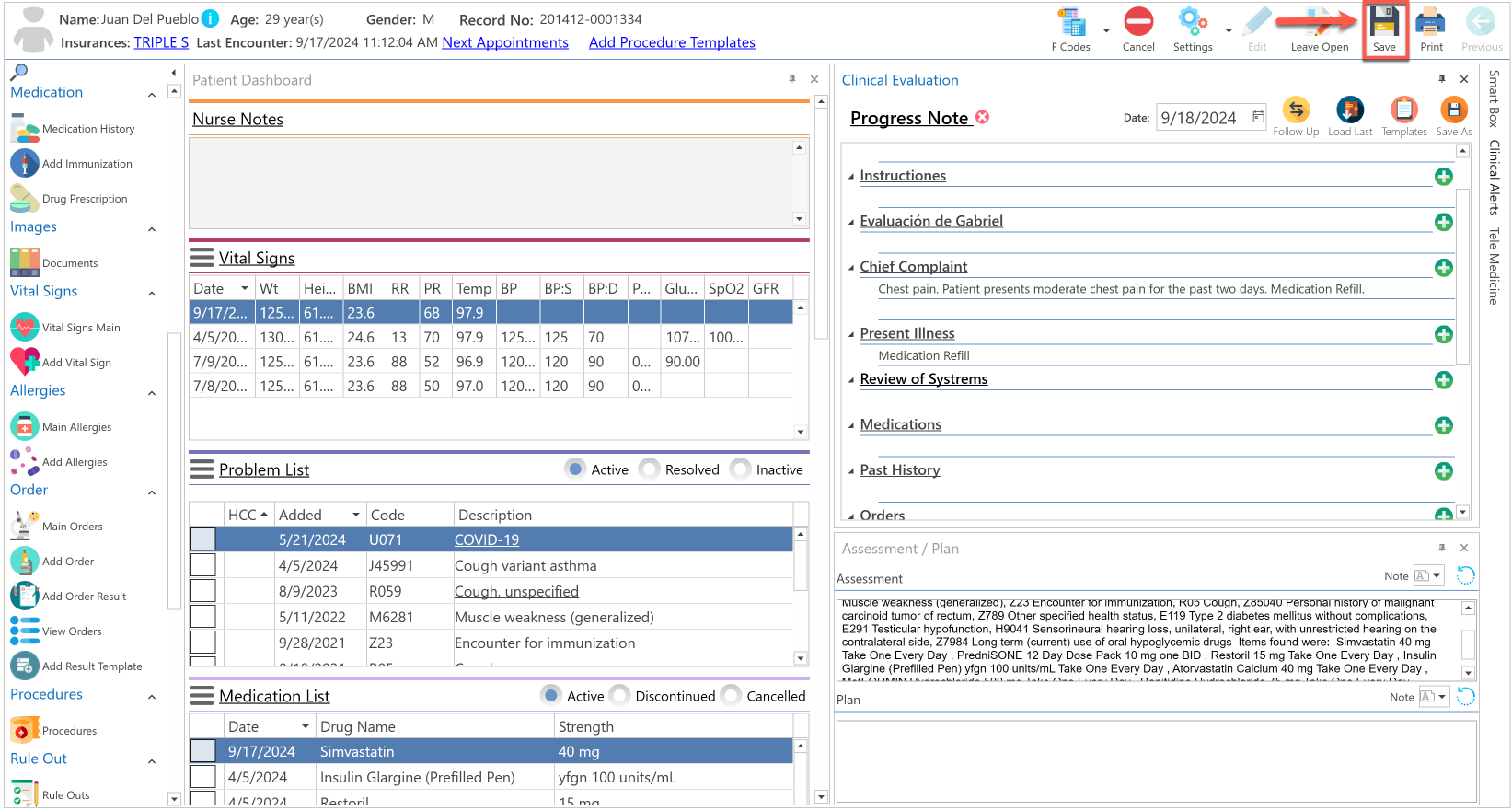
- Once progress note is completed, press the Save button.
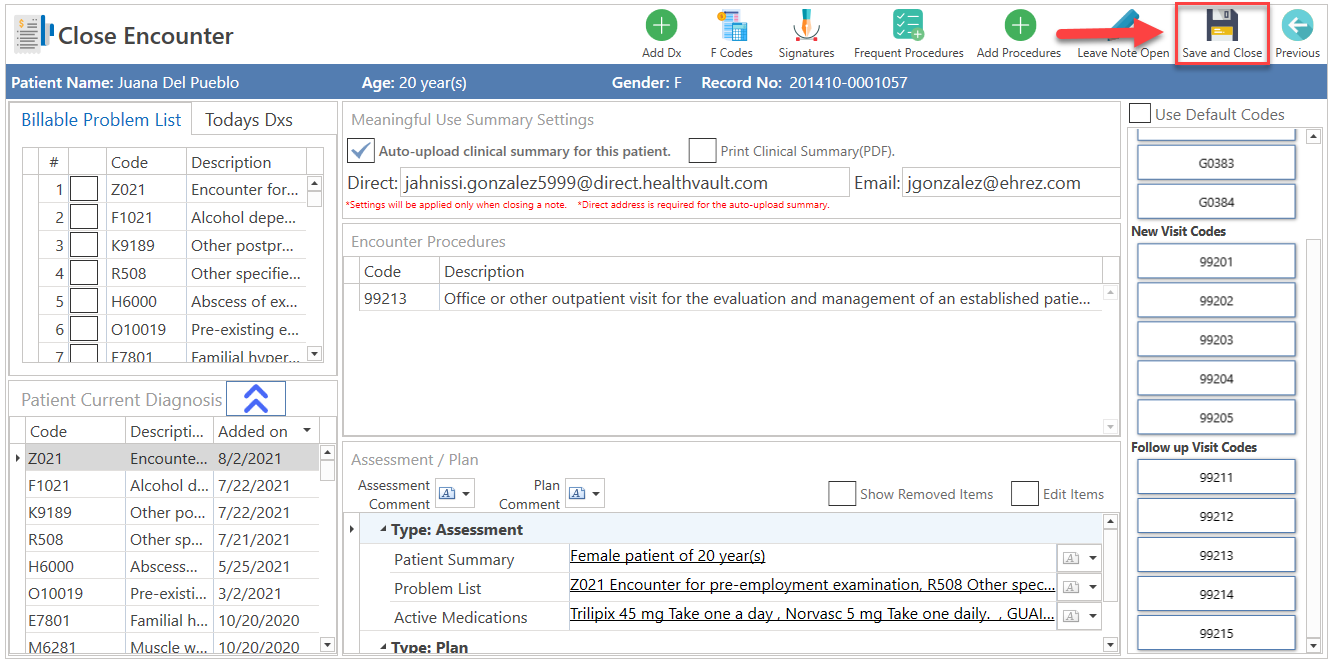
- The Close Patient Encounter screen will be displayed.
- Complete the closing progress note process.
- Then press the Save and Close button.
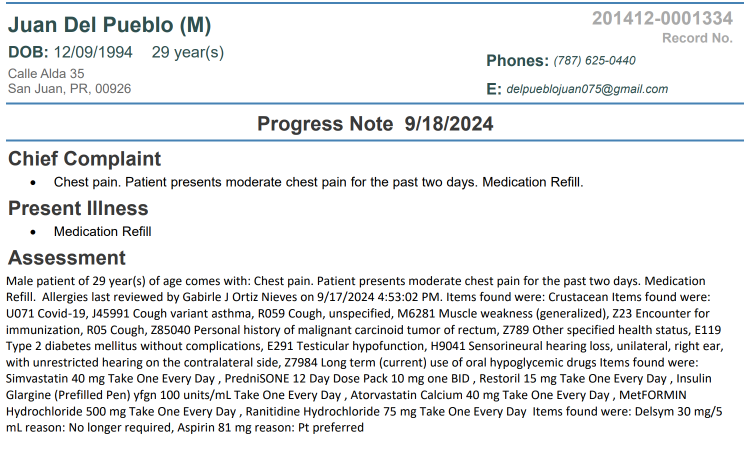
- The progress note will be automatically displayed to be printed.
Did you find it helpful? Yes No
Can you please tell us how we can improve this article?