How to create or view the patient's demographic information?
Modified on: Fri, 31 Jan, 2025 at 11:12 AM
- Navigate to the Appointments screen.
- Choose the patient for whom you want to create or view demographic information.
- Next, click on the Patient Details button, which is located on the right side of the screen in the Side Panel section.
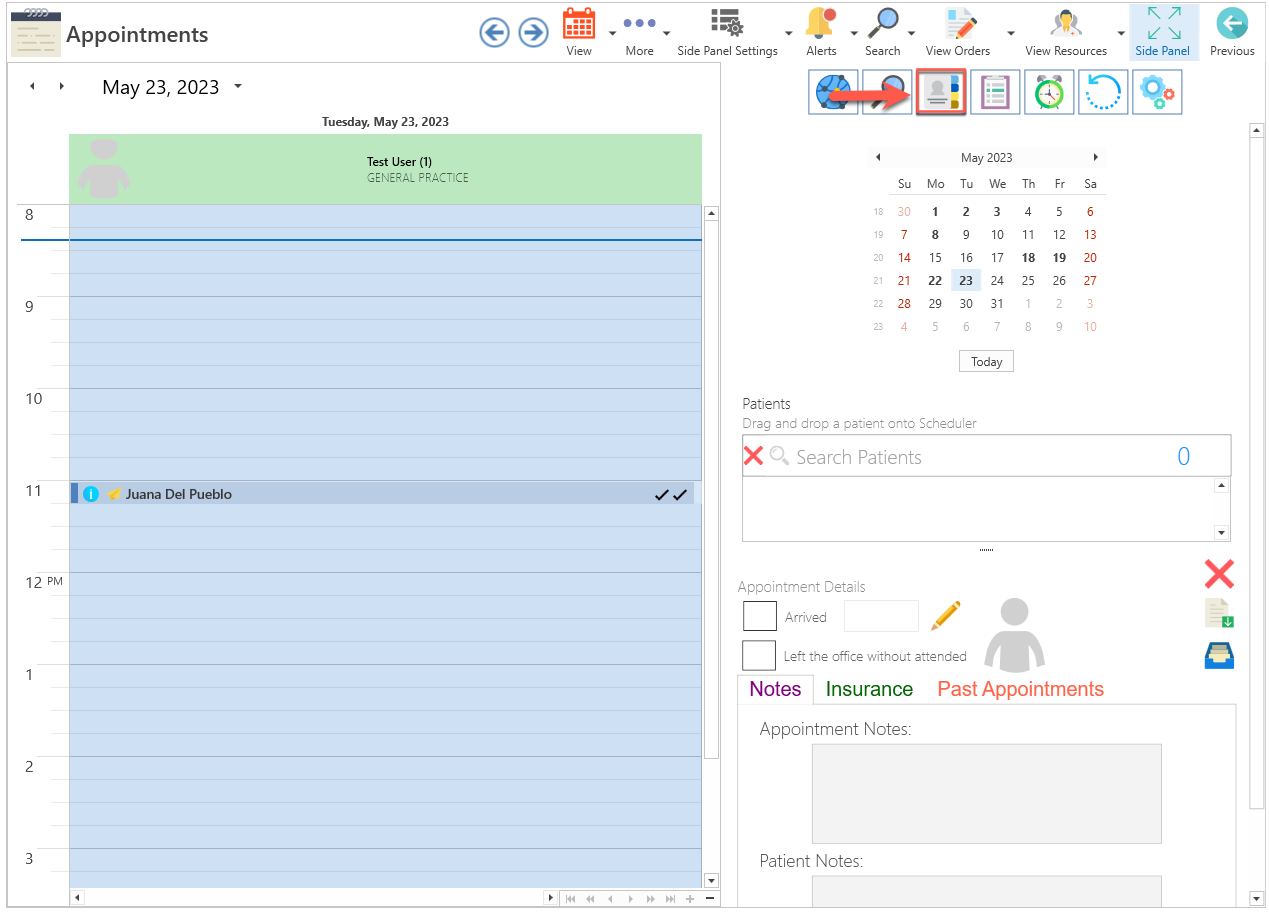
- The following screen will be displayed:
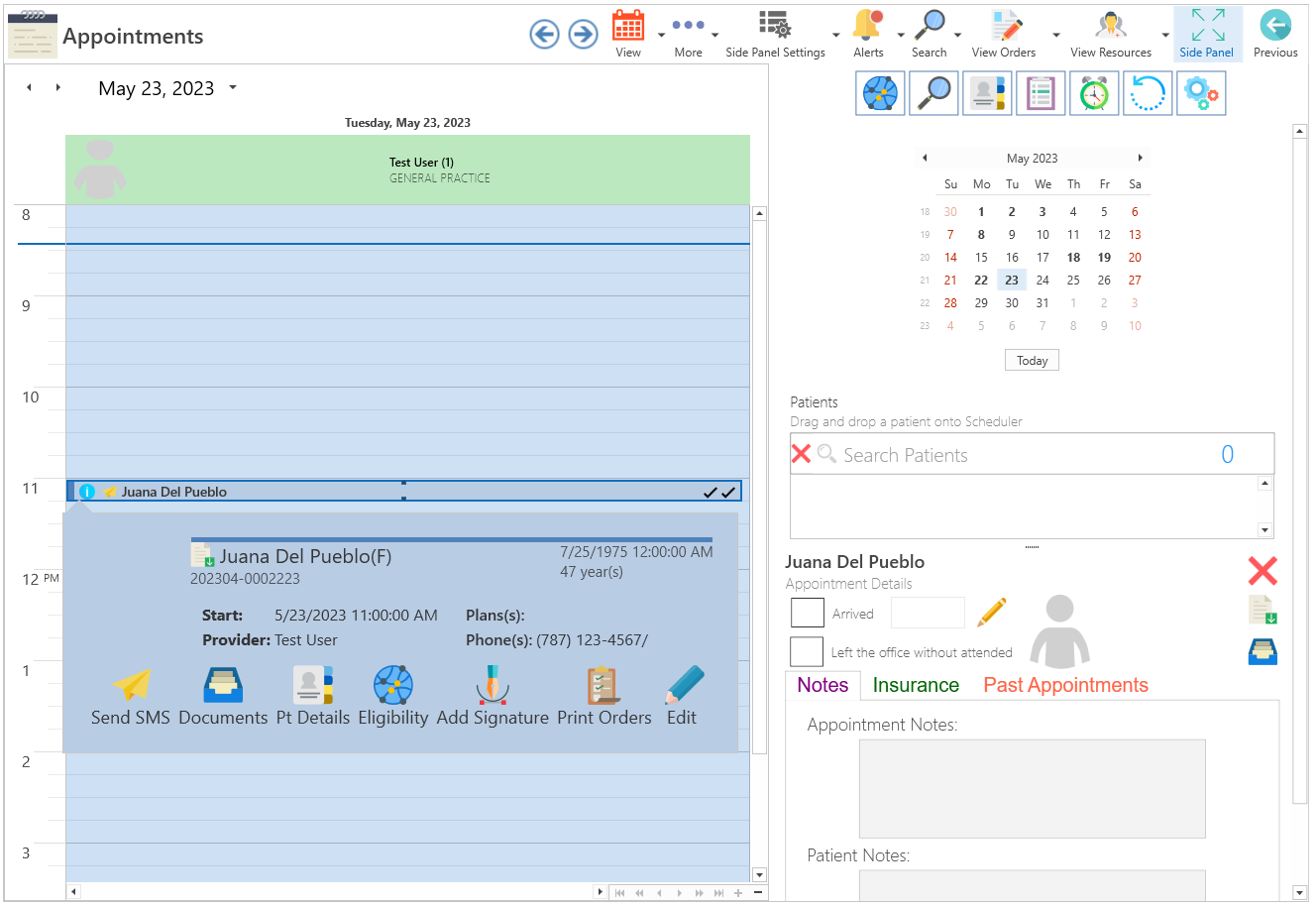
- Click on the information button located in front of the patient's name.
- The following screen will be displayed:
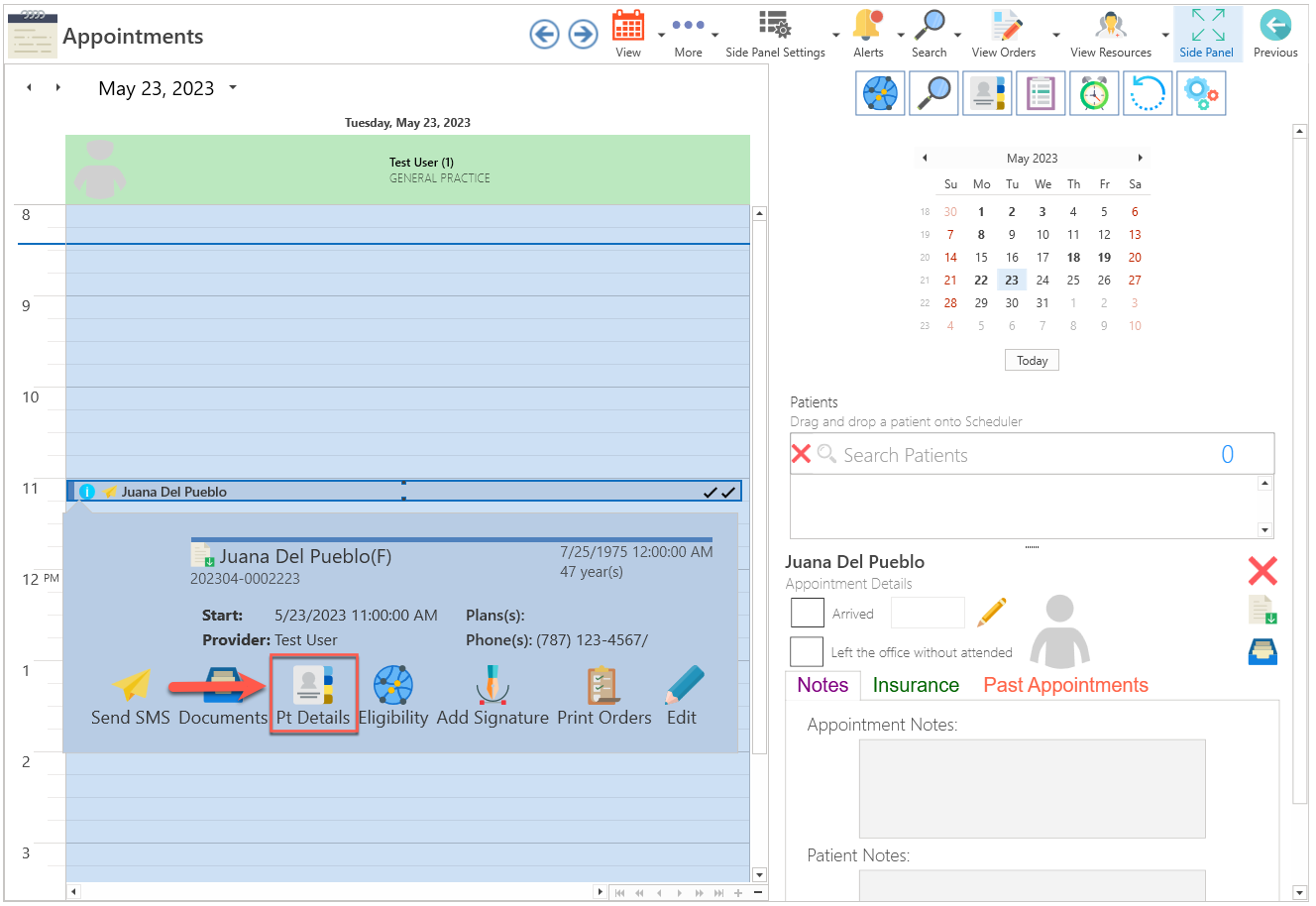
- Choose the PT Details button.
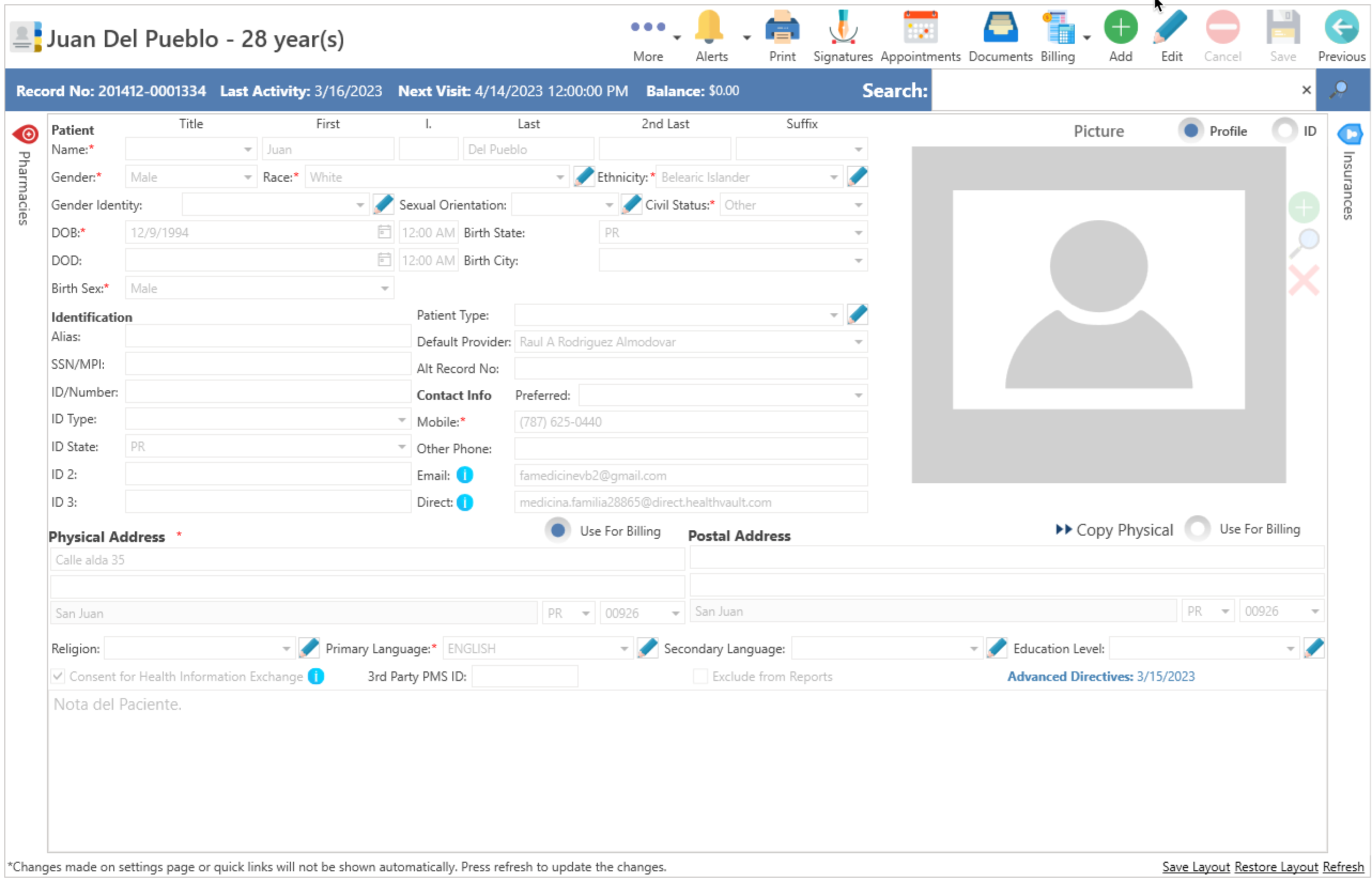
- User can edit and add patient demographic information. User can also collect the patient's signature, once has arrived at the office.
Recommended Article:
- Learn More About: Appointments / Patients Details
Did you find it helpful? Yes No
Can you please tell us how we can improve this article?