Clinical Records / Delete Open Notes
Modified on: Fri, 31 Jan, 2025 at 3:09 PM
Description
Screen where the user can manage all open progress notes. They can be worked by notes of all patients or by a specific patient. 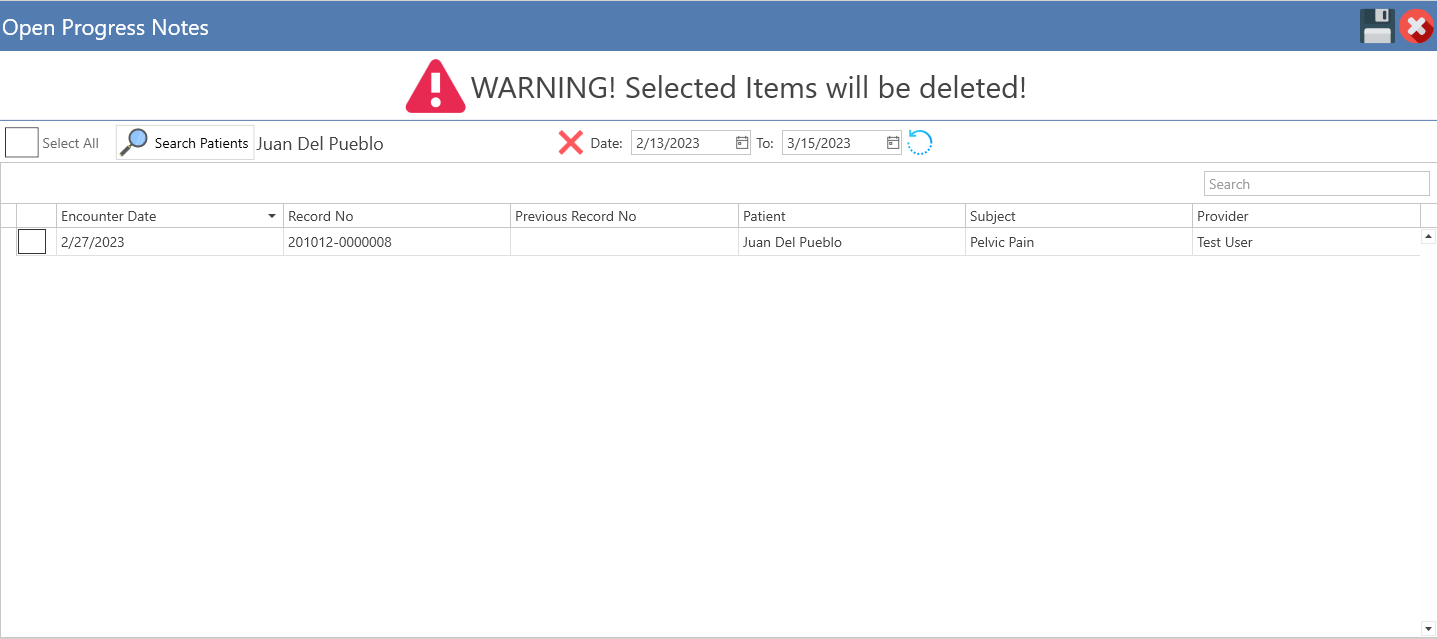
Access
Through Main Menu
- In the main menu, press the Clinical button.
- Then, press the Delete Open Notes button, located at the top of the screen.
Sections
Buttons
Save: Allows you to delete the selected open progress note (Once the open progress note has been deleted, it cannot be recovered).
- Delete: Closes the screen.
- Select All: Press to select all open progress notes.
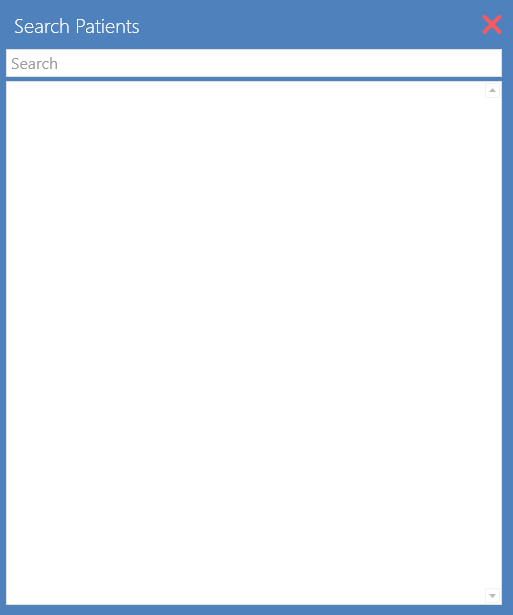
- Search Patients: Allows to search for patients.
- Date: Filters the search date for open progress notes.
- To: Filter the search date for open progress notes.
 : When pressed, displays all open progress notes, that are in the selected date period.
- Filter by Selected Patient: When pressed, allows open progress notes, filtered by patient, to be displayed.
Recommended Article:
Did you find it helpful? Yes No
Can you please tell us how we can improve this article?