Advanced Progress Note / Settings / Use Enhanced Syntax
Modified on: Fri, 31 Jan, 2025 at 3:22 PM
Description
Selecting this option enables the text in the Clinical Evaluation section to be displayed in syntax. It is necessary to choose this option before initiating the clinical evaluation of the patient.
Access
Through Main Menu
- Click on the Clinical button in the main menu.
- Select a patient from any part of the Clinical Records screen.
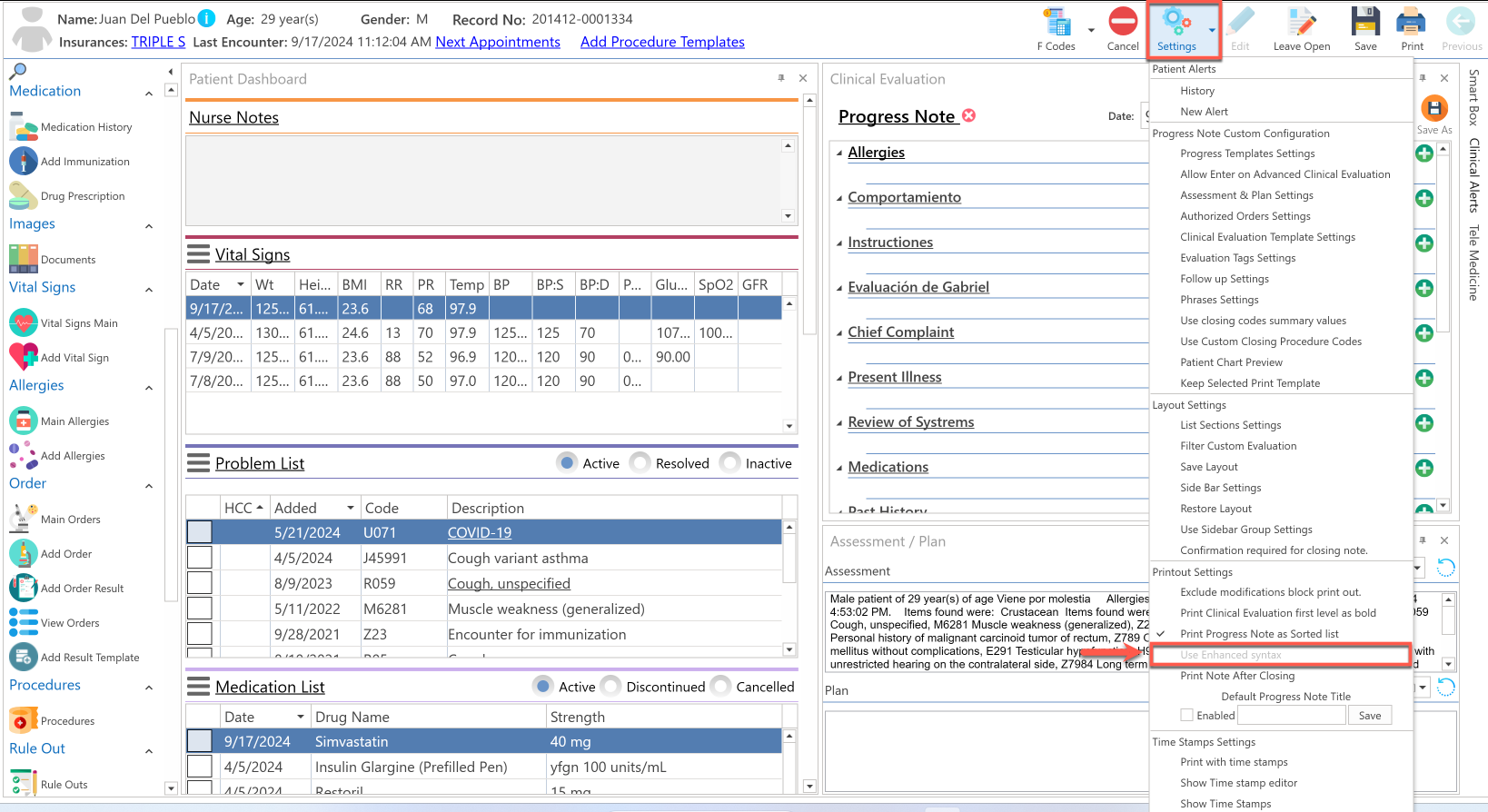
- After selecting the patient, click on the Settings button at the top of the screen.
- Choose the Use Enhanced Syntax option in the Printout Settings section. (This option must be selected before starting the clinical evaluation.)
Example: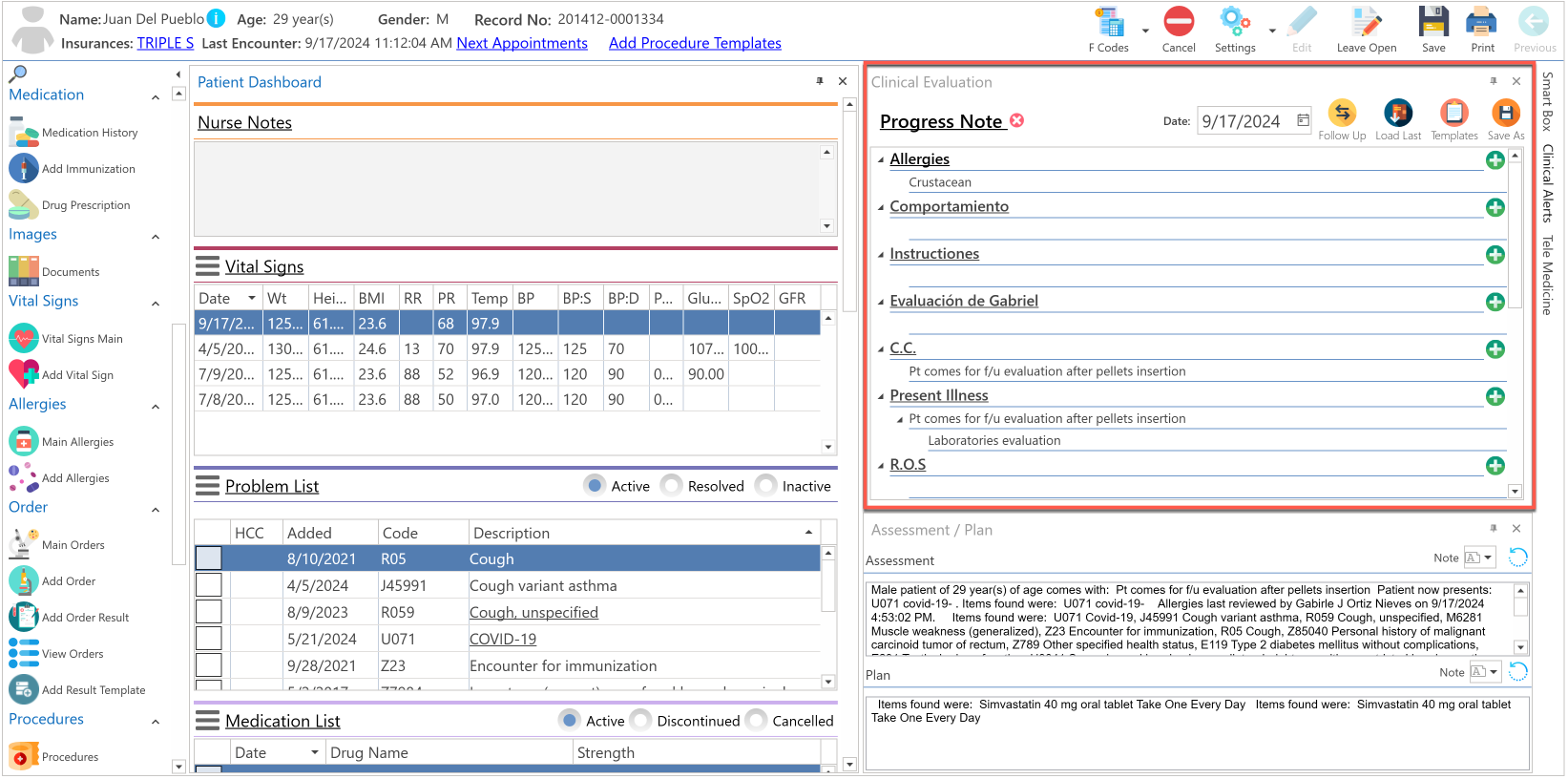
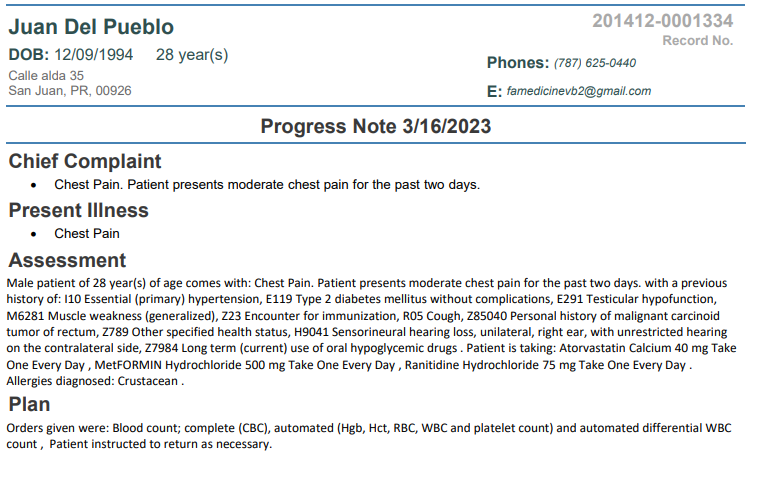
Example of the printed progress note:
Recommended Article:
Did you find it helpful? Yes No
Can you please tell us how we can improve this article?