EPCS Audit Log
Modified on: Tue, 28 Jan, 2025 at 2:50 PM
Description
Screen where the recording of sequences of events of electronic prescriptions of controlled medications is displayed. These will be recorded per user and per patient. This screen can be filtered according to the user's needs.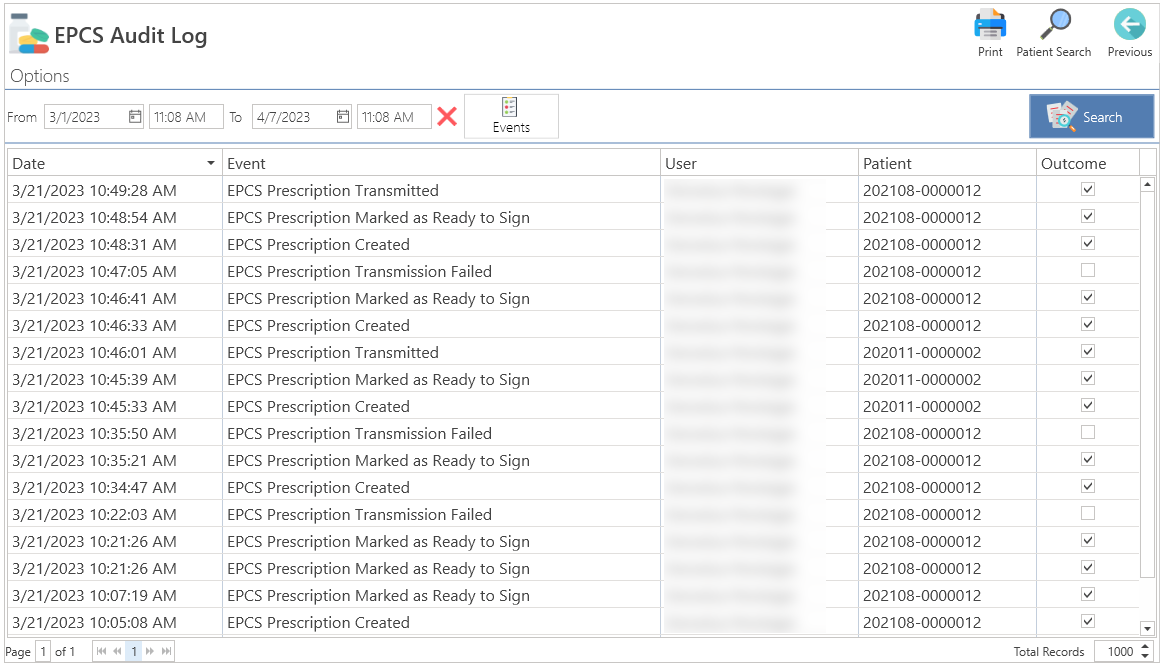
Access
From Settings
- In the Main Menu, press the Settings button.
- Press the General button and then press the EPCS Audit Log button.
From QuickLinks
- In the main menu, click on the QuickLinks text, located at the top of the screen.
- Select the Settings option.
- Then click on the General button and select the EPCS Audit Log button.
Sections
Buttons
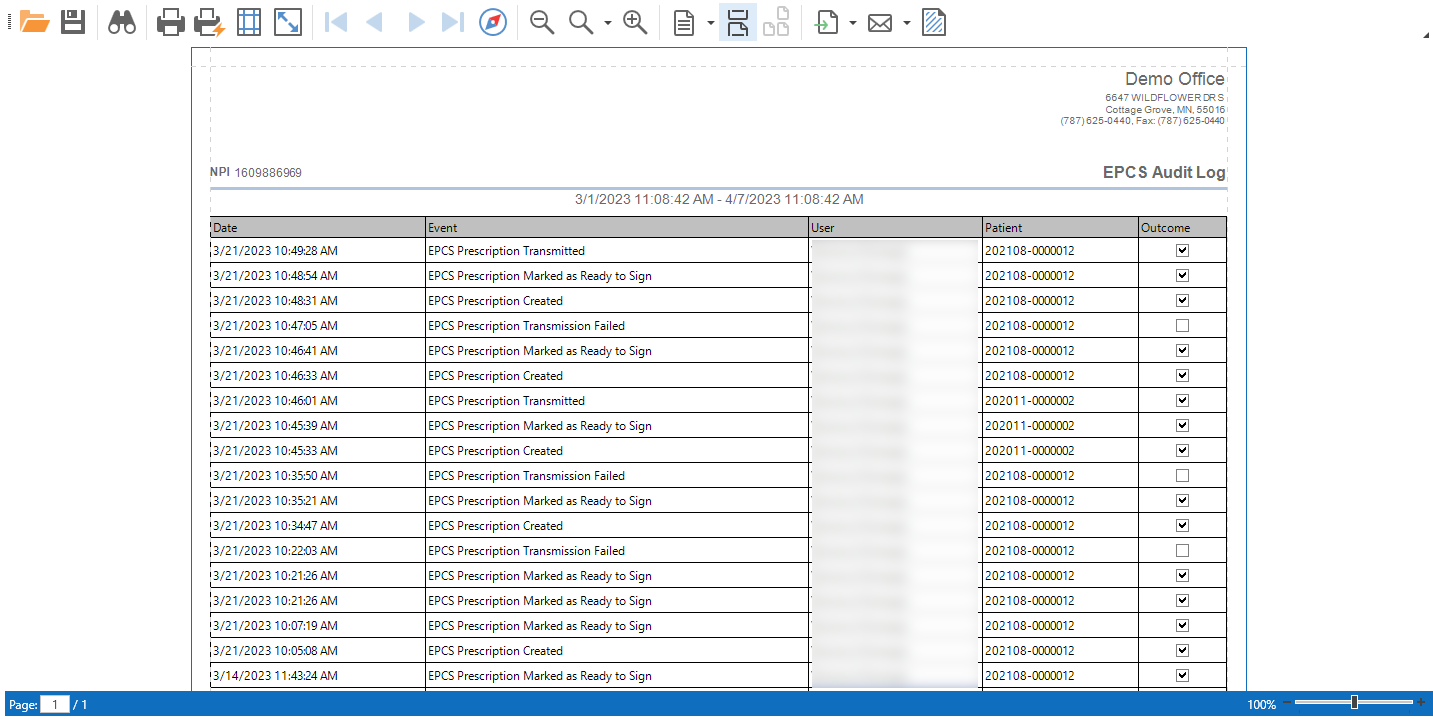
- Print: Allows to print the report of the sequence of events, which have been made by users, according to their preference or search selection.
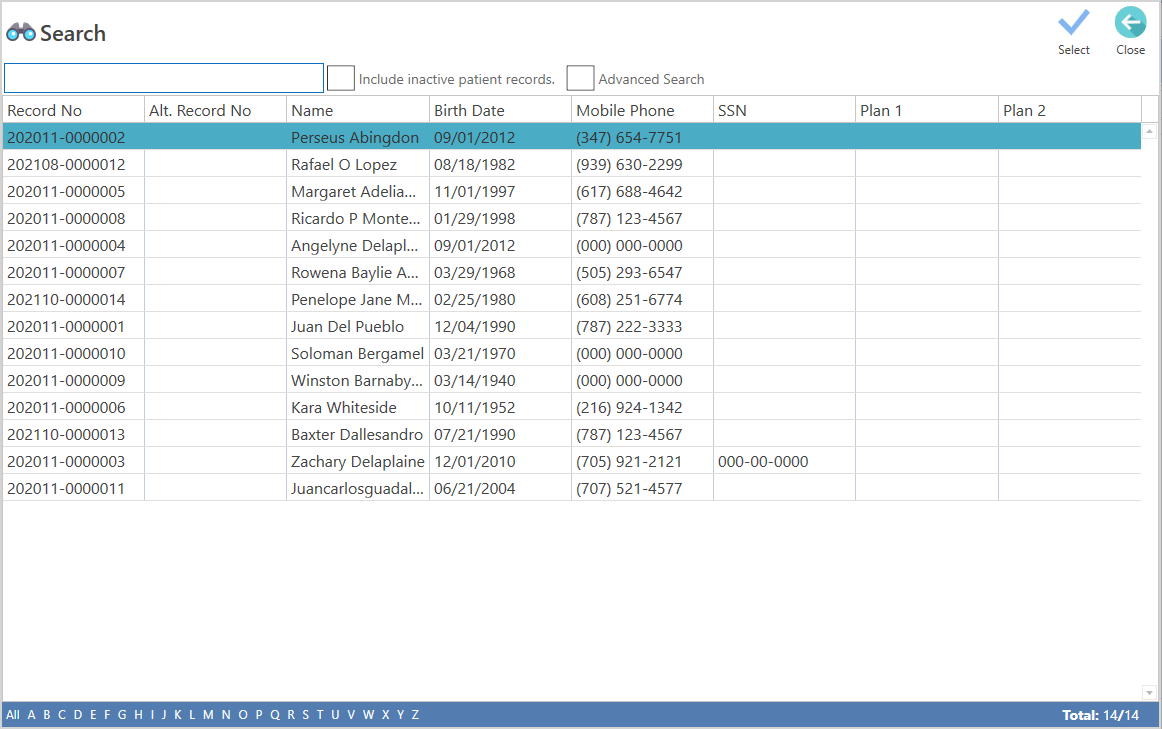
- Patient Search: Allows to search by specific patient.
- Previous: Allows to close the screen.
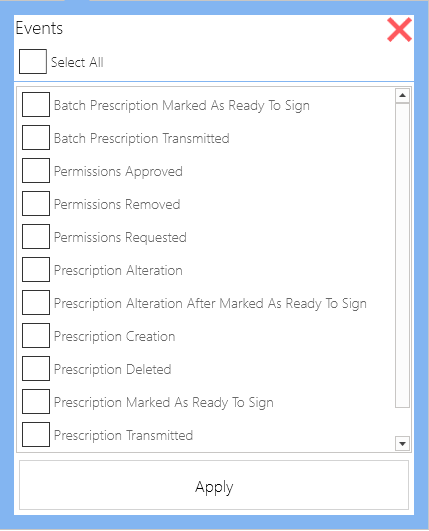
- Events: In this section, the user will be able to select the specific events he/she wishes to view. If none are selected, all the events that have taken place, in terms of electronic prescriptions of controlled medications, will be displayed.
- Search: When pressed, it displays the report according to the search criteria.
Recommended Article:
Did you find it helpful? Yes No
Can you please tell us how we can improve this article?