How to write a new message?
Modified on: Mon, 27 Jan, 2025 at 9:02 AM
- Go to the www.mirecordclinico.com address or download the Patient Portal app.
- In the LOGIN Patient Portal, enter your personal email address, password, and press the SUBMIT button.
To compose a new message:
Web Version - Click on +NEW MESSAGE, in the portal main menu.
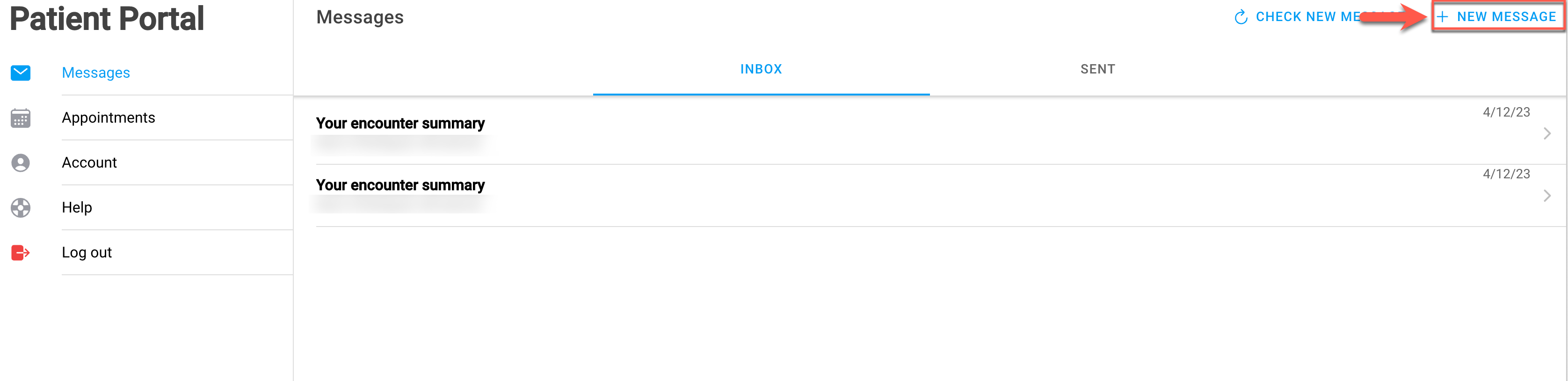
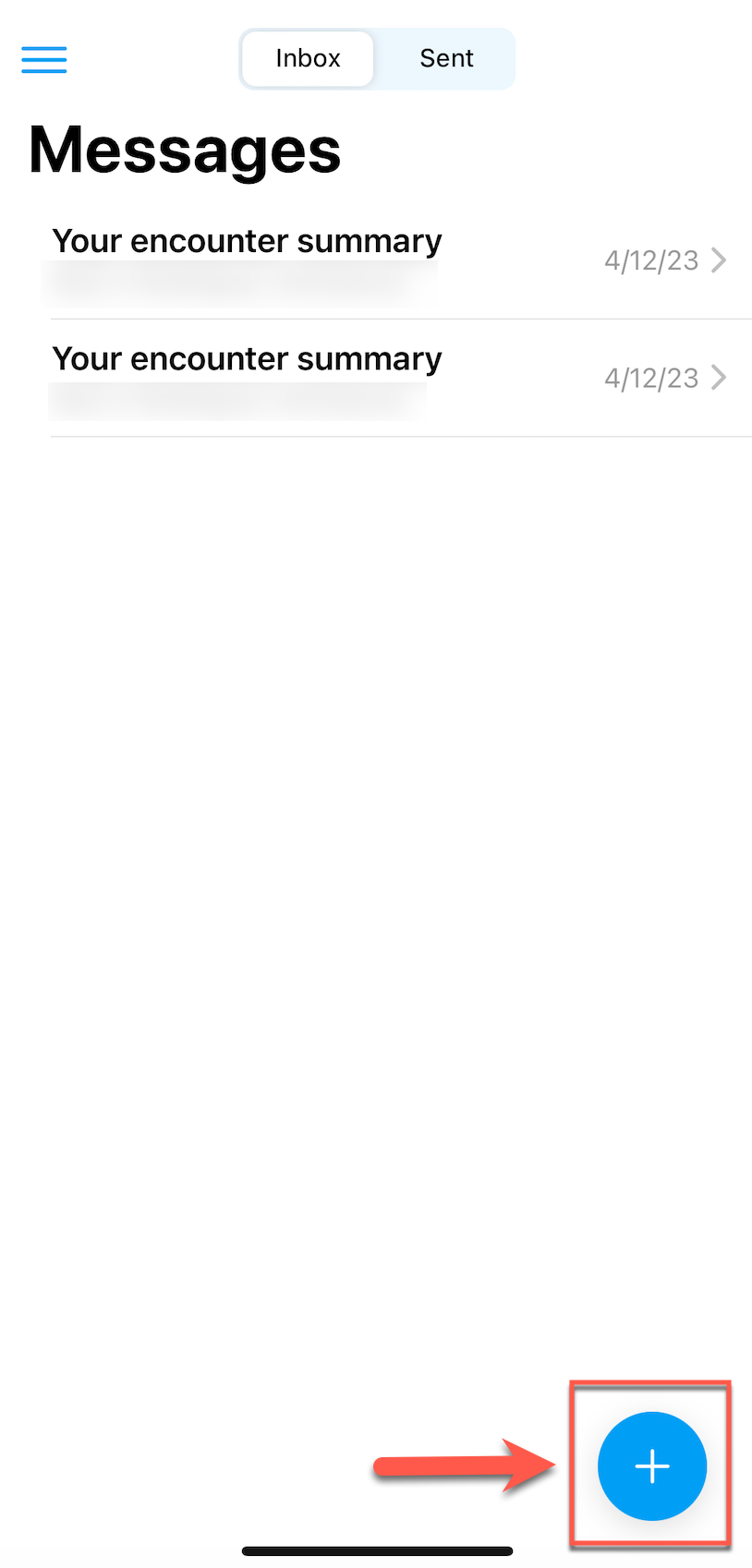
Mobile Version - Click on the New Message button, in the main menu, from the smartphone app.
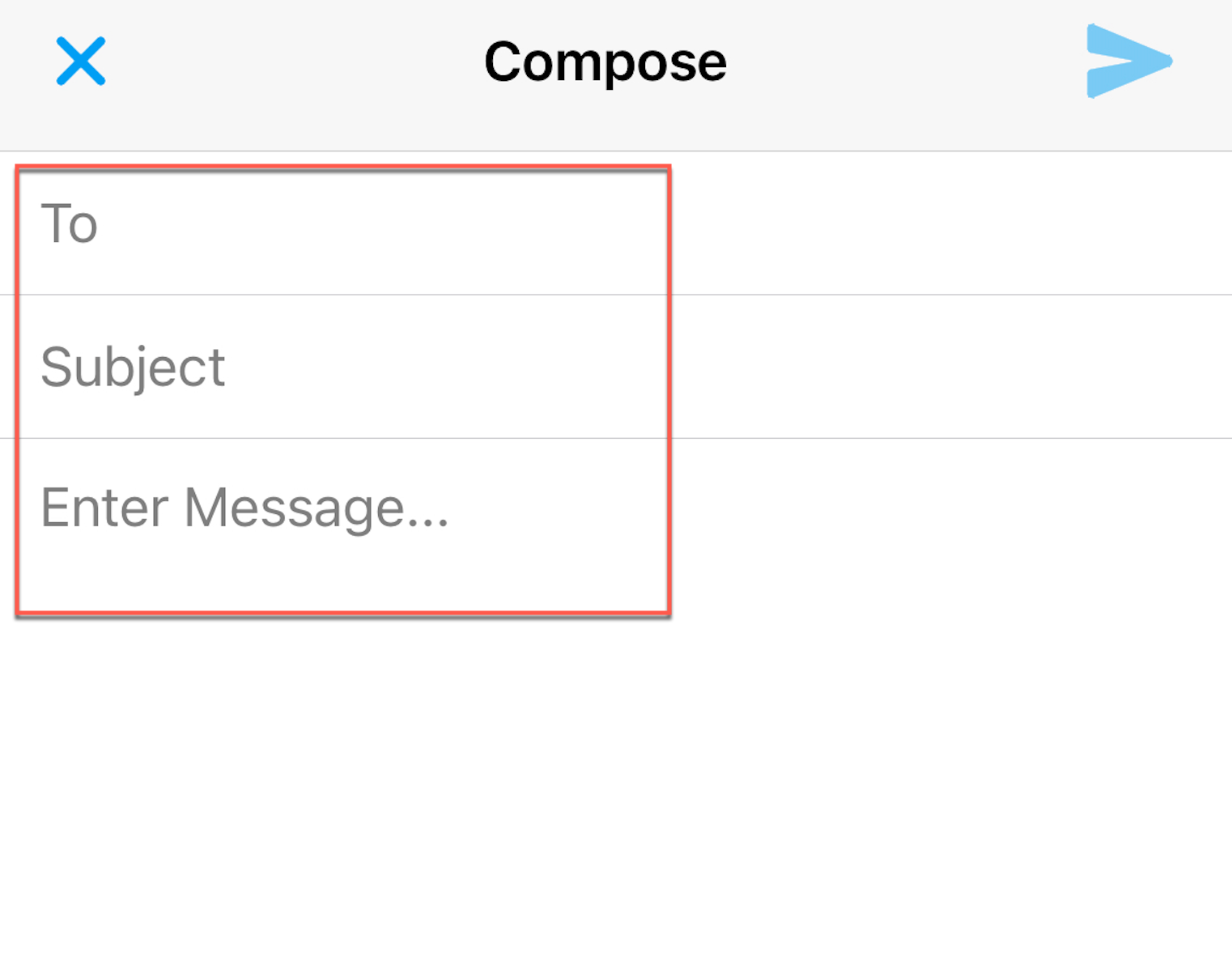
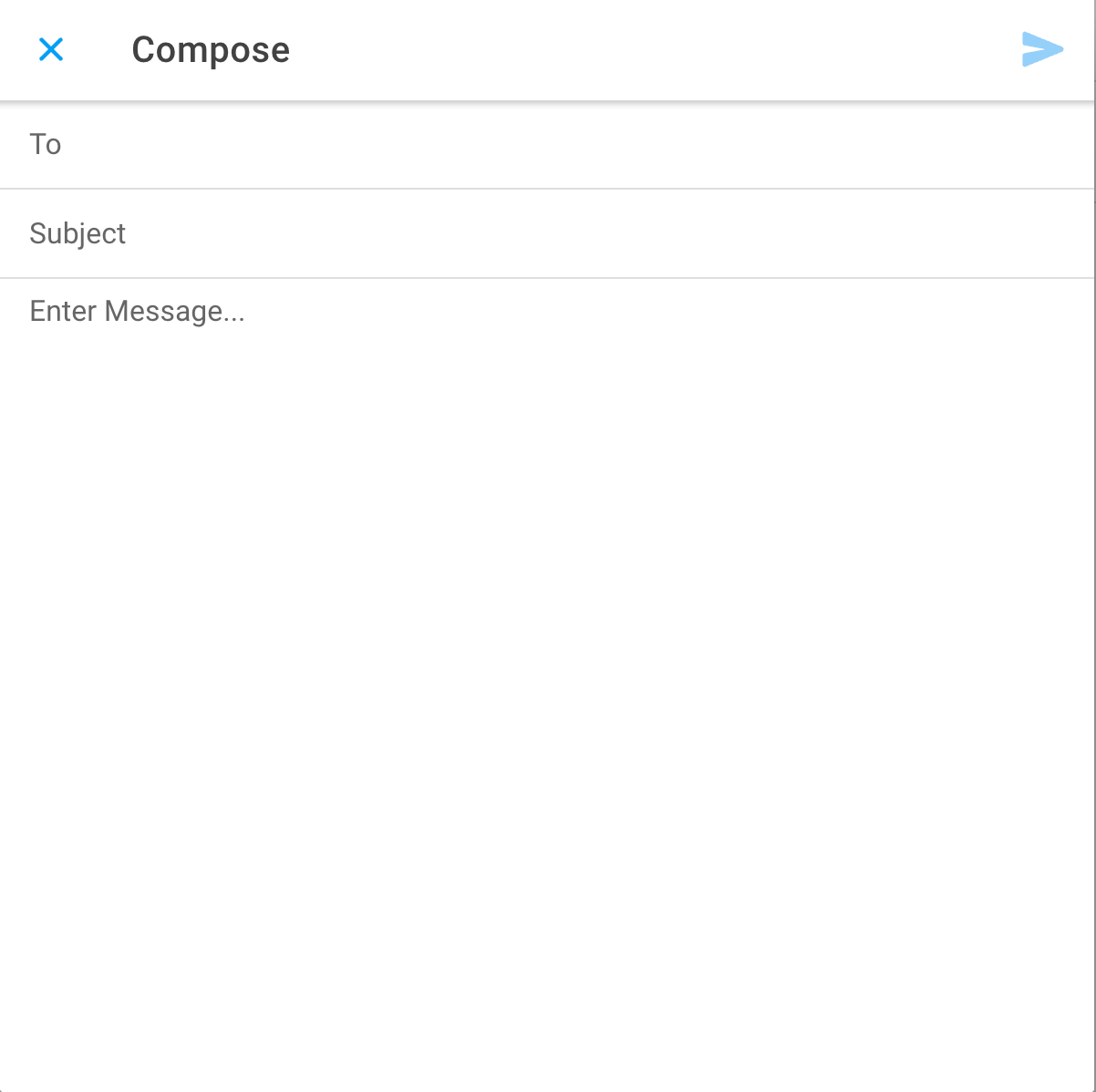
- To compose and send the message, complete the following information:
- To – Email address to whom you will send the message.
- Subject – Title of the message.
- Enter Message – Content of the message.
- Click in the Send button, located at the top right of the screen, to send the message.
Recommended Article:
- Learn More About: Patients / EHRez Patient Portal
Did you find it helpful? Yes No
Can you please tell us how we can improve this article?