How to close the application?
Modified on: Thu, 13 Mar, 2025 at 10:05 AM
There are several methods available for a user to close an application.
Option #1
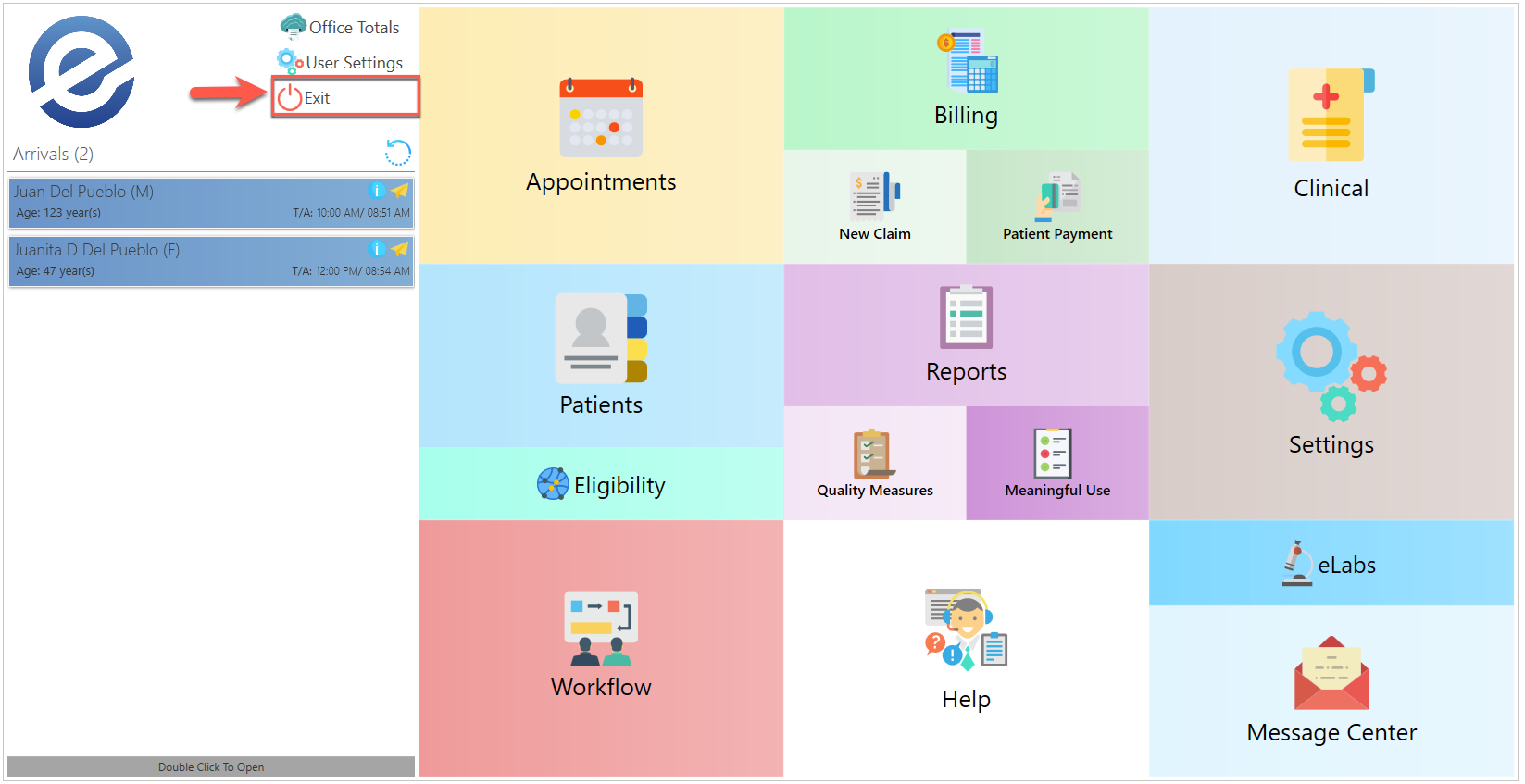
- To exit, press the Exit button located on the left side of the Main Menu" screen.
- The following confirmation message will be displayed:
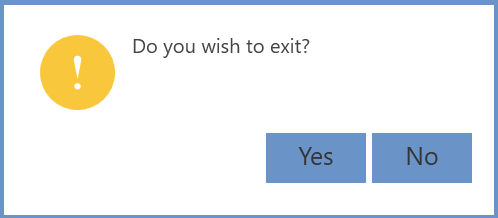
- Click the Yes button to close the application.
- To cancel the action, press the No button.
- Pressing the Exit button will automatically close the application.
Option #2
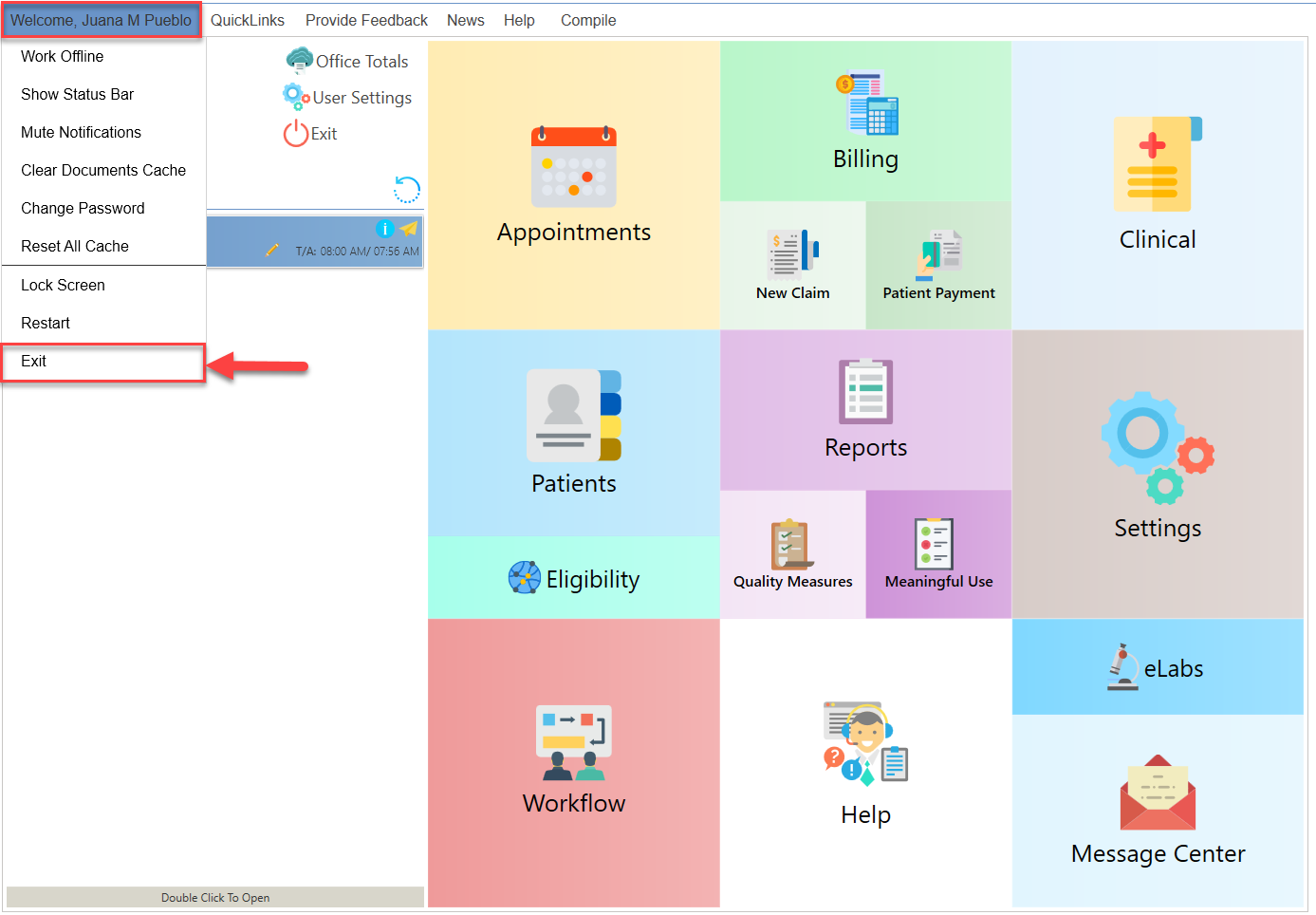
- On the Main Menu screen, press the Welcome text located at the top of the screen.
- Then, choose the Exit option.
- The confirmation message will be displayed as follows:
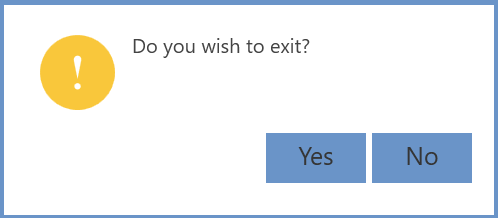
- Click the Yes button to close the application.
- To cancel the action, press the No button.
- Pressing the Exit button will automatically close the application.
Recommended Article:
- Learn More About: Main Menu
Did you find it helpful? Yes No
Can you please tell us how we can improve this article?